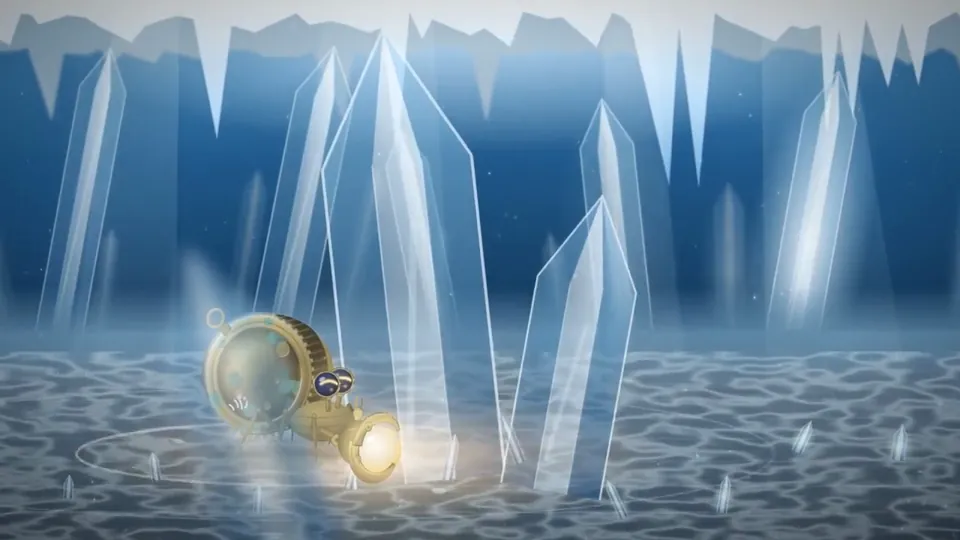
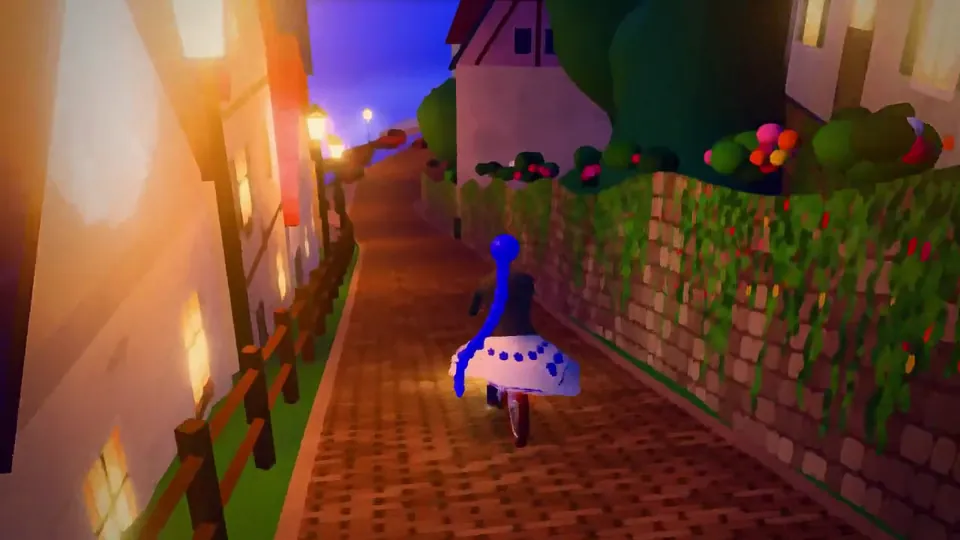
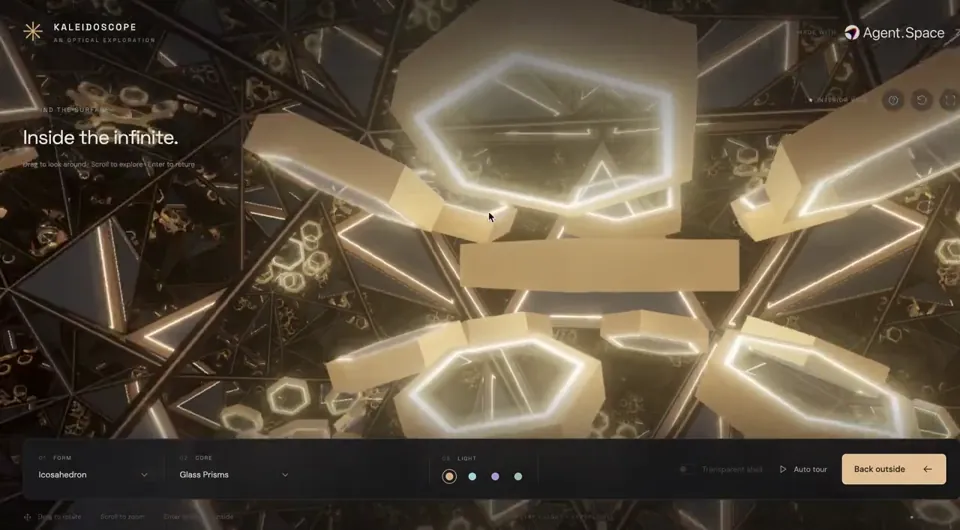
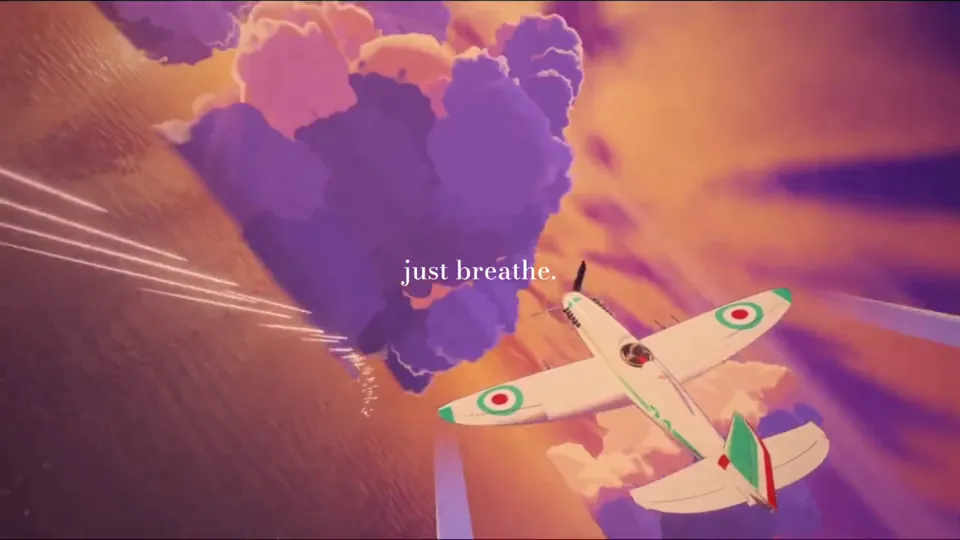
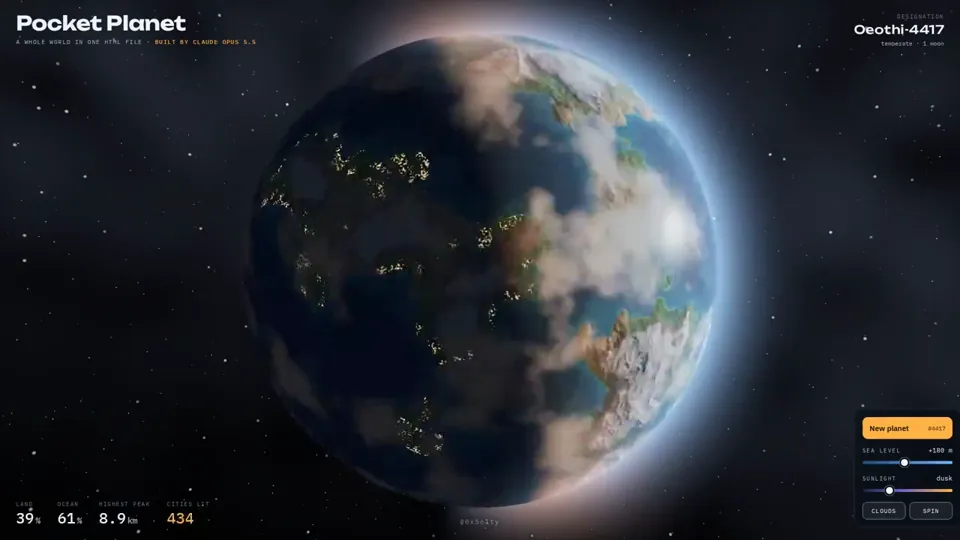
i asked opus 5.5 to build me a planet.
not a picture of a planet. a whole planet.
it wrote a single html file. no libraries, no images, no 3d models. every ocean, every mountain and every city light is math, generated live in your browser.
then i started playing with it.
drag it and it spins. raise the sea level and watch continents drown. move the sun and watch the cities switch on at night.
hit "new planet" and it invents a new world. it even names it.
a year ago this was a semester project for a graphics student.
now it's a prompt.
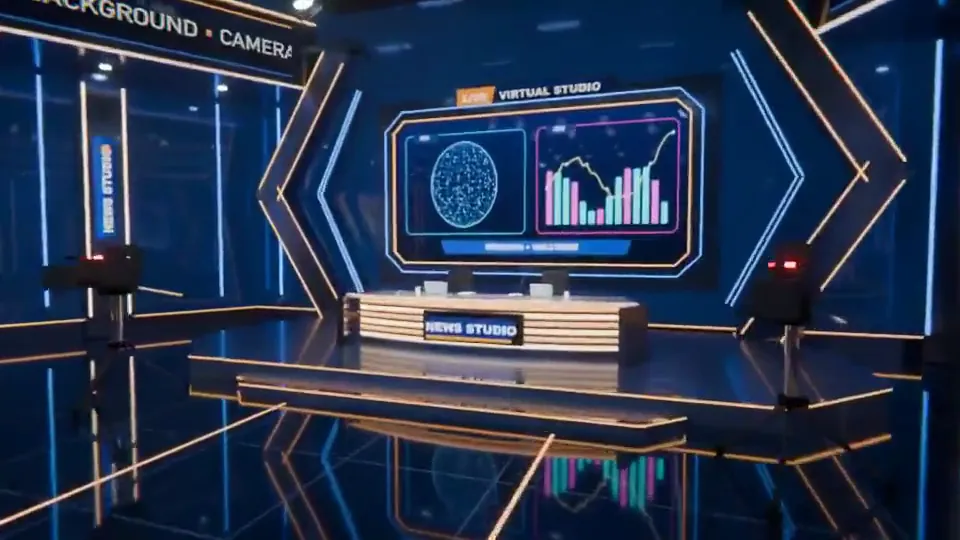
Claude Opus 5.5 just one-shotted an entire 3D virtual studio in Blender.
We used to sell studios like this on Envato. Built in After Effects + Element 3D, each one took our team months.
This took one prompt.
@claudeai @AnthropicAI @alexalbert__ @bcherny
Claude Opus 5.5 is absurdly good at 3D.
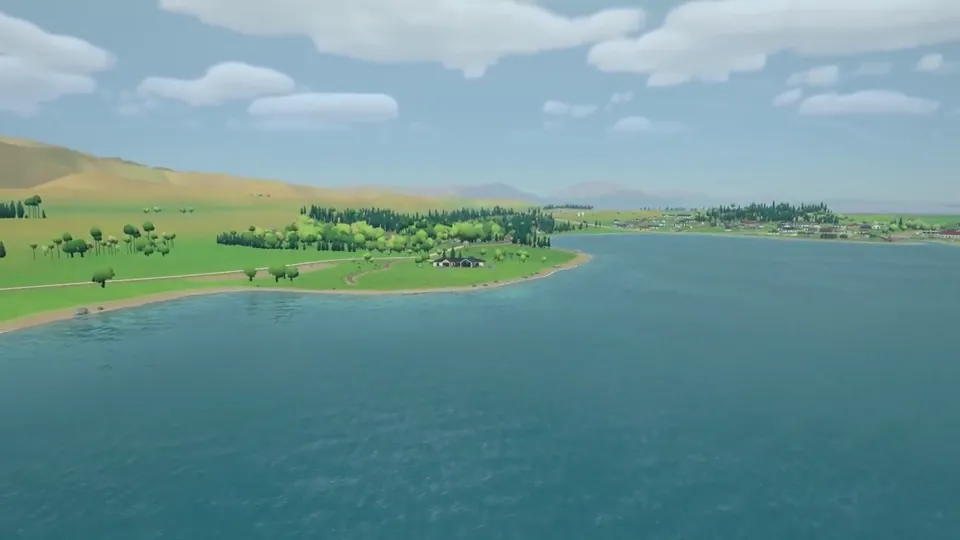
I reran one of my recent 3D experiments with Claude Opus 5.5.
Same prompt, same references, same real-world scene I had previously built with GPT-6 Astra.
The result was much better than I expected.
Put simply, for this specific use case, Claude Opus 5.5 was a clear win for me.
The biggest differences for me were instruction following and taste.
With the same references, Opus 5.5 got much closer to the Zelda Breath of the Wild-style look I was aiming for.
The layout felt more intentional.
It picked better camera angles.
Asset placement made more sense.
And I spent much less time fixing basic mistakes.
In my Astra version, I had to repeatedly correct things like tree roots not touching the ground, rough geometry being used where proper assets already existed, or objects being placed in ways that just looked wrong.
Opus 5.5 got much more of this right on its own.
The interesting part for me is that I have almost zero real 3D skills.
I mostly give references, look at the result, explain what feels wrong, and keep iterating.
With better instruction following and visual judgment, that loop becomes dramatically easier.
Still plenty to improve, especially indoors.
Next test is whether I can recreate the interior of the house with the same level of quality.
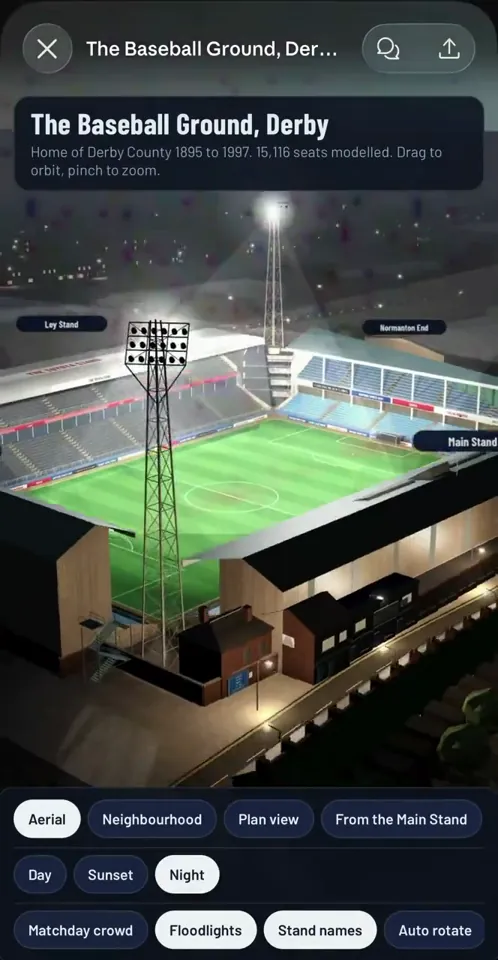
OK so Opus 5.5 SMOKED GPT Astra at 3d modelling this stadium from old plans and reference pics
This was a near one shot. 1000x better than Astras one shot (check reply for Astra’s one shot)
I gave them the same prompt and the exact same reference plans 👇🏻
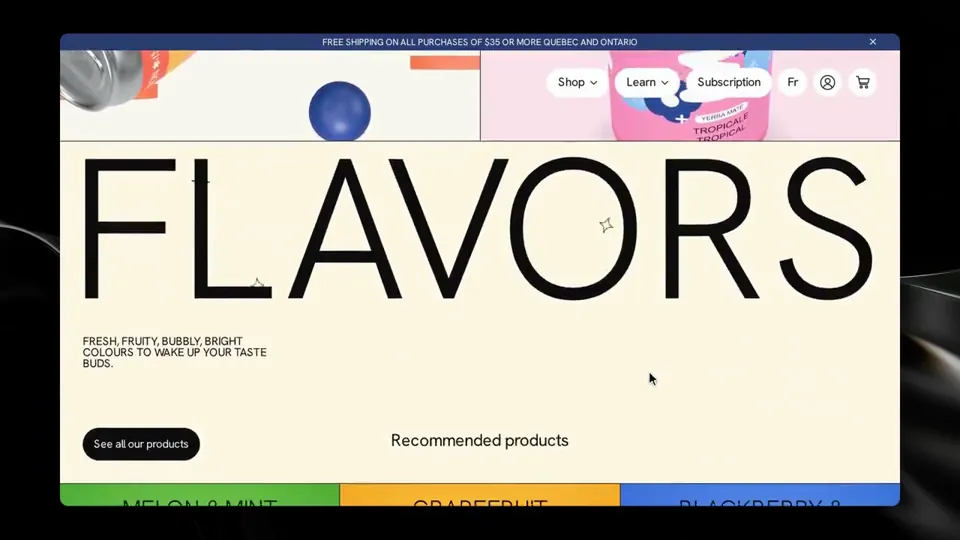
Opus 5.5 building a website for a drink brand.
-It generated all the svgs
-Built the can in 3D
-Painted its own labels and then rendered those to make product photo variations
All this in a single (albeit, beefy) prompt
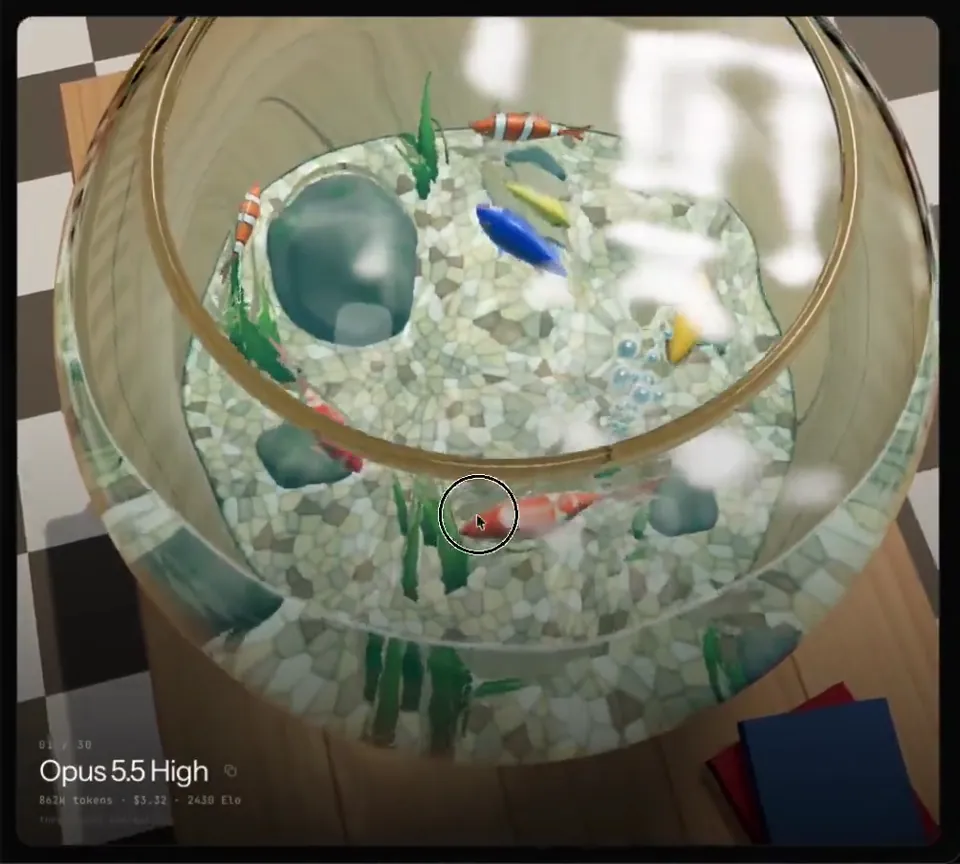
Opus 5.5 does a great job in eval of GLSL (OpenGL Shading Language) in threejs.
The prompt here is roughly. A fishbowl with reflection, refraction and water caustics.
Check it out yourself! And compare it to other models
https://threejseval.com/gallery?eval=fishtank
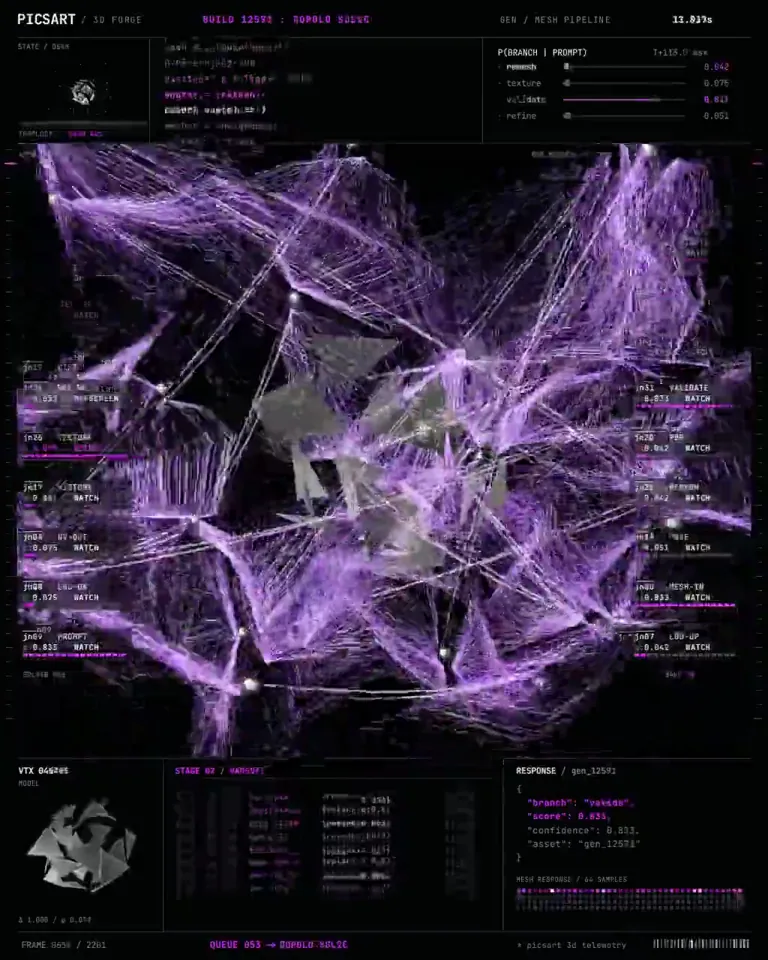
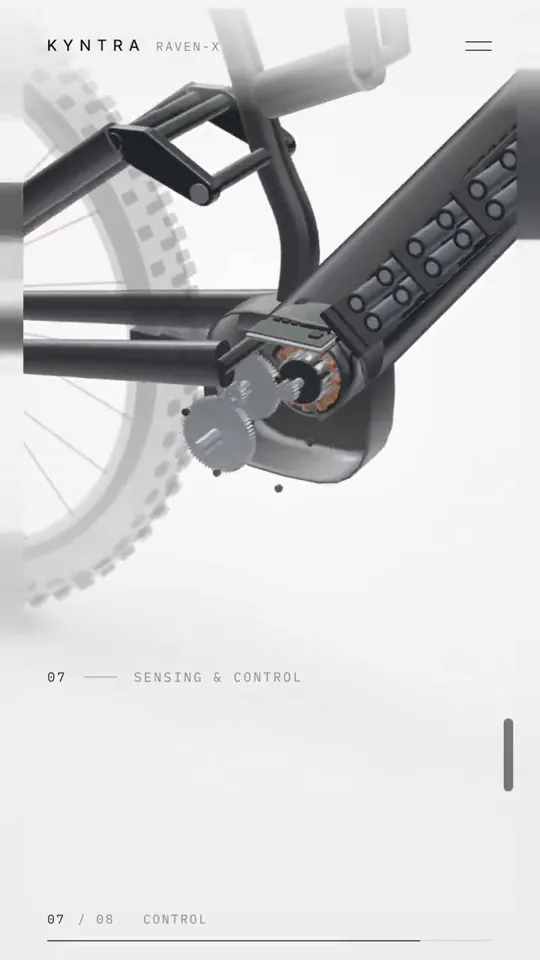
Opus 5.5 turned one sentence into a 3D system that opens in Blender, rigged, textured and ready to animate.
It does not render the object. It constructs it, part by part, the way a modeller would if they had a week.
> PARSE - the sentence becomes a parts list with real dimensions, nothing implied
> MASS - each part built as clean geometry, quads only, no sculpted mush
> RIG - joints and pivots placed where the object physically bends
> SKIN - materials assigned per surface, scale and roughness set separately
> PACK - exported with a named hierarchy, so a human can edit one part
Image models stop at the render. What you get is a photograph of a thing that does not exist as a thing.
That gap appears the second someone wants to move an arm, swap a material, or send it to a printer.
Rigging is what nobody automates. Without pivots you have a statue, and a statue cannot be a system.
Topology beats detail every time. A dense mesh looks stunning in a screenshot and folds the moment it deforms.
Names carry through the whole export. Every part, joint and material reads the way a person would label it.
Studios burn days on modelling and cleanup before anyone gets to the creative part of the job.
The prompt format and what each stage returns are laid out underneath.
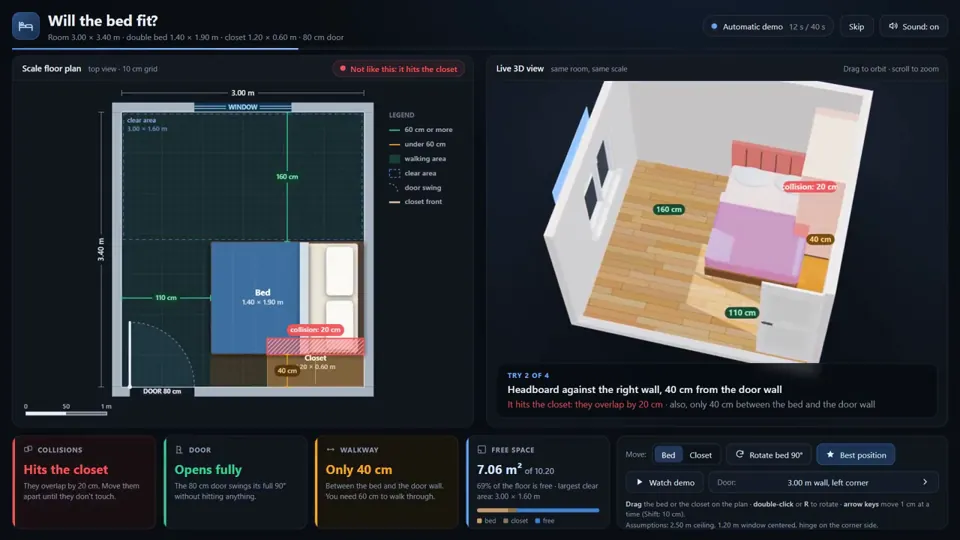
Esta app probó 3,932 posiciones de una cama matrimonial hasta encontrar dónde cabe.
La hizo Claude Opus 5.5 con un prompt mío: cuarto de 3.00 x 3.40 m, puerta de 80 cm, un clóset de 1.20 x 0.60 y la cama de 1.40 x 1.90.
Armó el plano a escala y el cuarto en 3D al lado, y los dos se mueven juntos.
Si la cama choca con el clóset, no deja abrir la puerta o te deja menos de 60 cm para pasar, te avisa.
Solo 108 posiciones no tenían ningún problema. La mejor deja 70 cm para pasar por cada lado.
Tardó 47 minutos, más 5 para pasarla a inglés, y no le corregí nada.
Para una mudanza, esto dice más que cualquier benchmark.
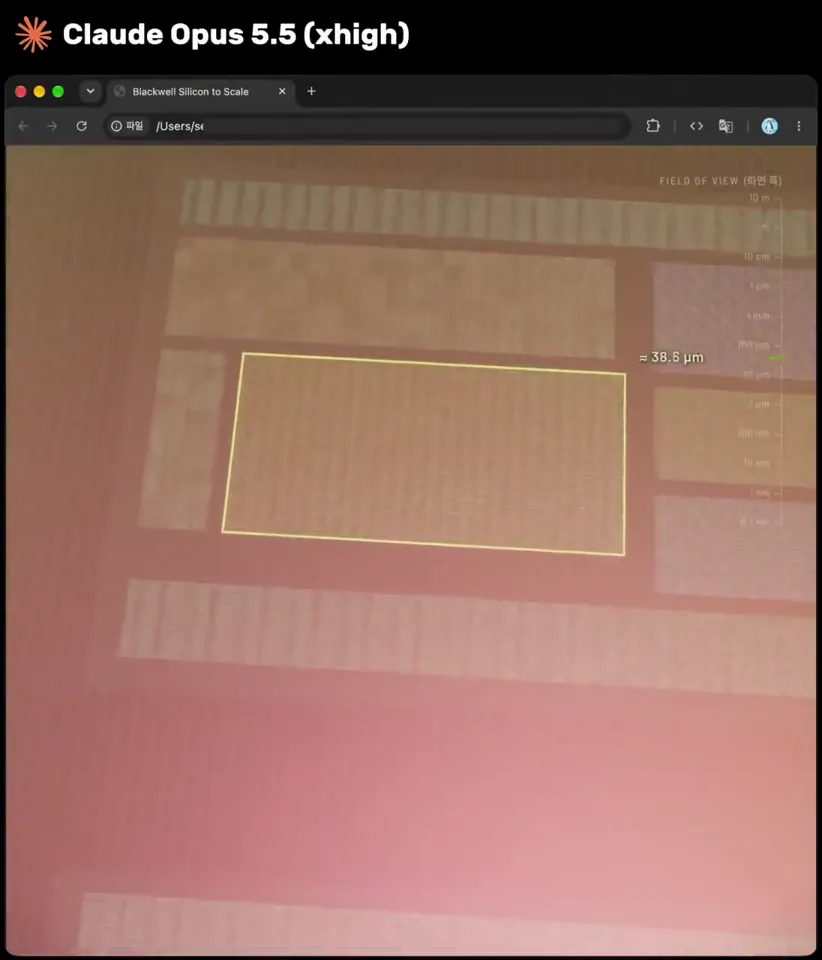
Claude Opus 5.5 یه انیمیشن 3D دیوونهکننده ساخته
از دیتاسنتر شروع میشه، وارد سرور میشه، کارت گرافیک رو باز میکنه، داخل چیپ میره، از مدار و ترانزیستور رد میشه و تا اتم سیلیکون میرسه.
همهش توی یک فایل HTML واحد اجرا میشه و حدود ۱ ساعت طول کشیده.
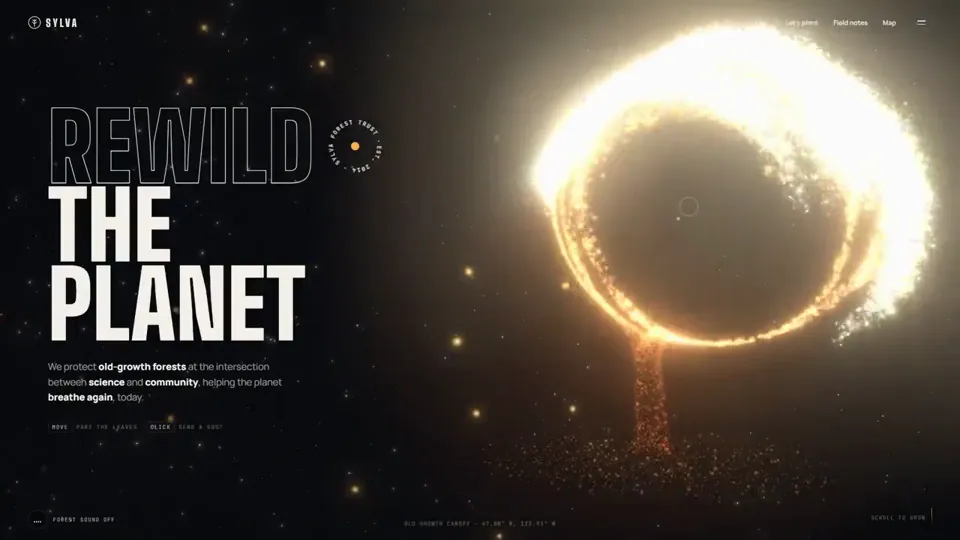
Opus 5.5 is mind boggling.
It created this 3D website from just one prompt.
Told it to create a website for forest conservation agency with pinterest post as reference for 3D animation.
It one shotted into a single html file.
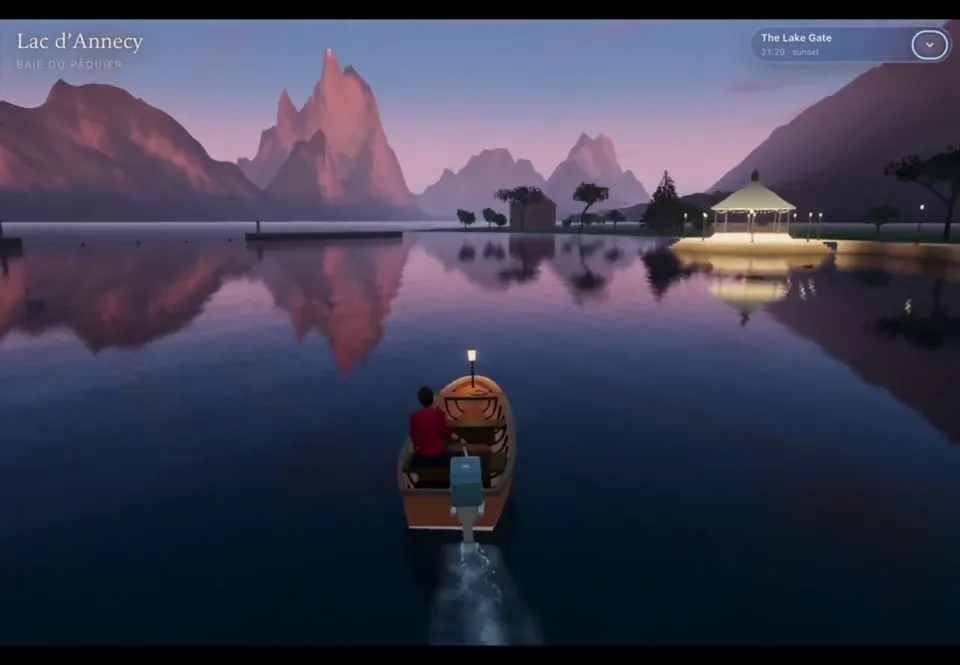
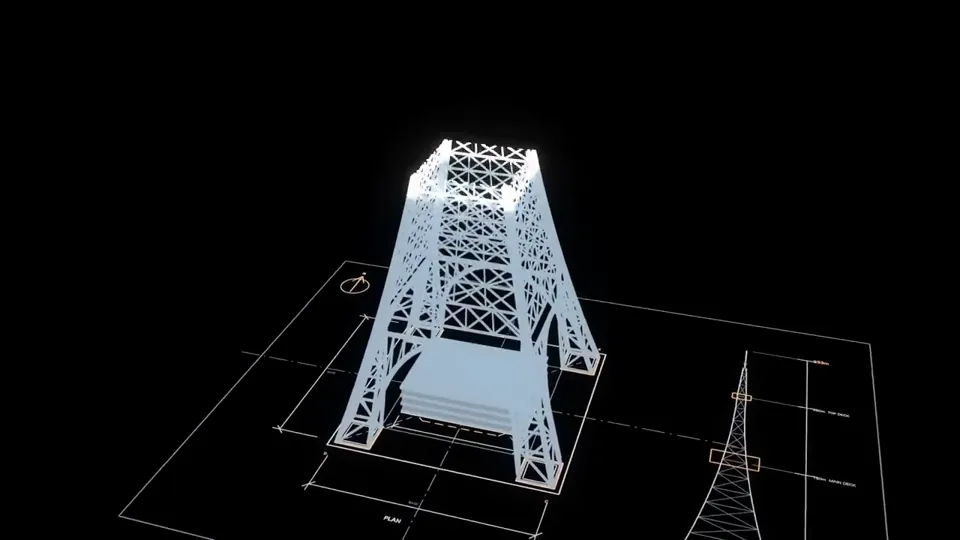
I wanted to see if beautiful destinations could become playable 3D experiences. Annecy, France became the prototype: a boat journey through canals, bridges, waterfront, and the mountain lake, built with Claude Opus 5.5 using Three.js + TSL.
I trimmed the navigation footage for the sake of keeping the video short and the post below below has a slightly longer version. The whole workflow behind this is simple:-
- Explained the concept to Opus and asked it to list some ideas.
- Shortlisted one and asked it to generate a prompt, with tech stack directions.
- Thats it, needed few iterations and is still a work in progress with few issues needing ironing.
- The audio effects were added by Opus itself.
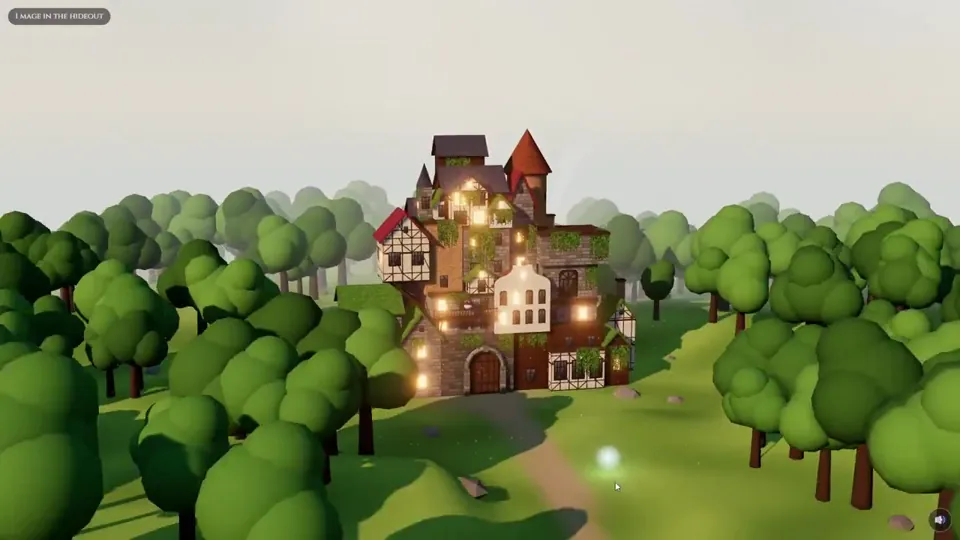
New Black Clover chapters are on the way and Opus 5.5 just dropped, so I put it to the test:
A 3D diorama of the Black Bulls hideout, made with Opus 5.5 + three.js
Every visitor is a floating mana light, come say hi to Nero 👋
https://ribes.cc/hideout/
#BlackClover #threejs
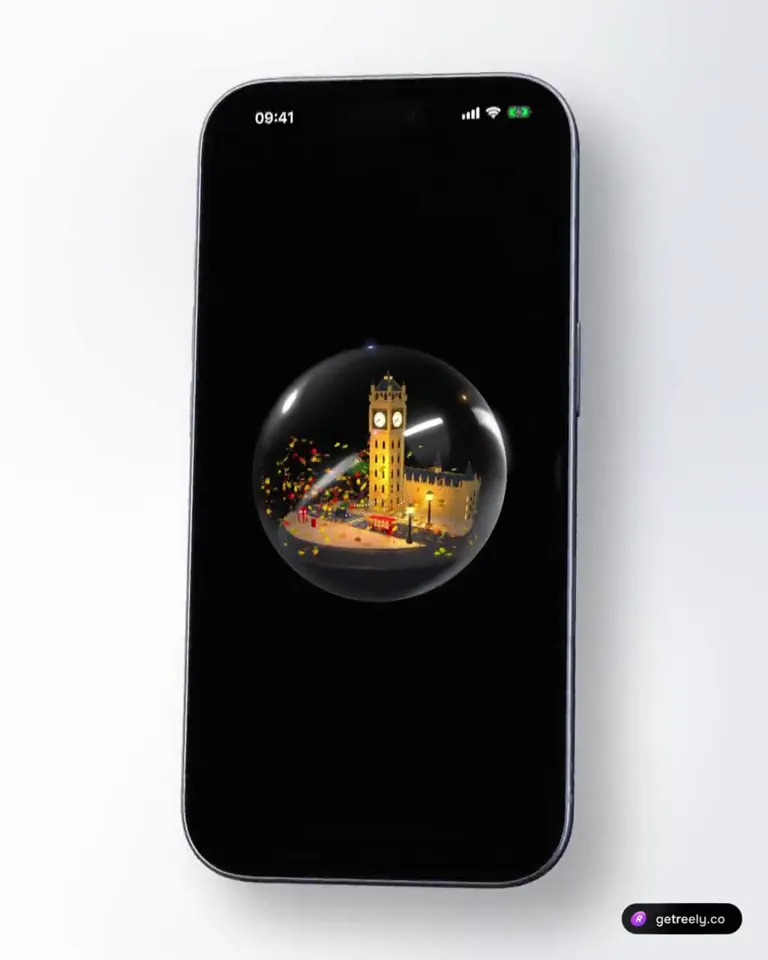
Opus 5.5 put London in a snow globe
🕰 Elizabeth Tower with lit clock faces
🚌 Red double-decker
🚕 Black cab at a zebra crossing
☎️ Phone box
🍂 Leaves that swirl when you shake the phone
~700 lines of Swift. No 3D files.
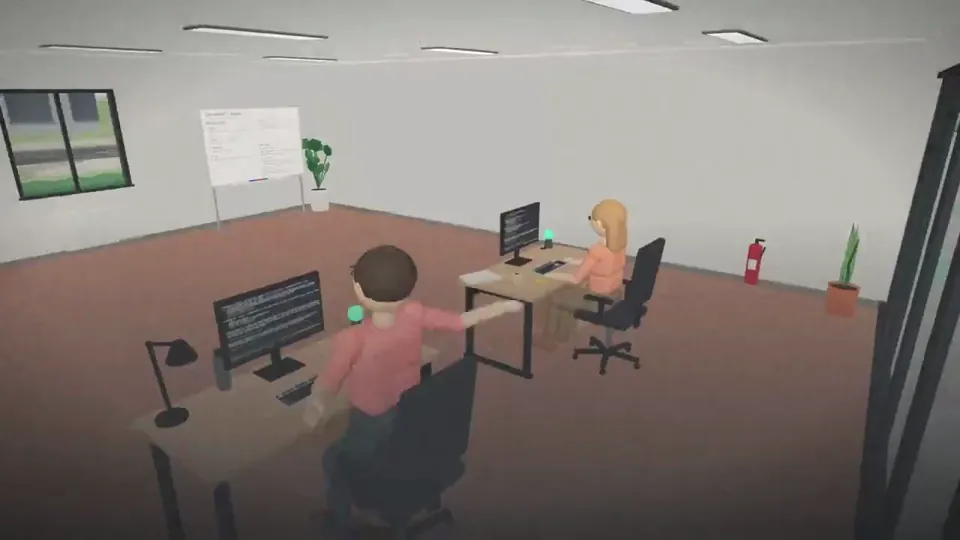
I gave my Claude Code sessions an office.
Workspace turns each session into a desk in a 3D office: see who's working, who's done and who needs you, jump into any terminal, and let them work together.
Open source, built entirely with @claudeai Opus 5.5.
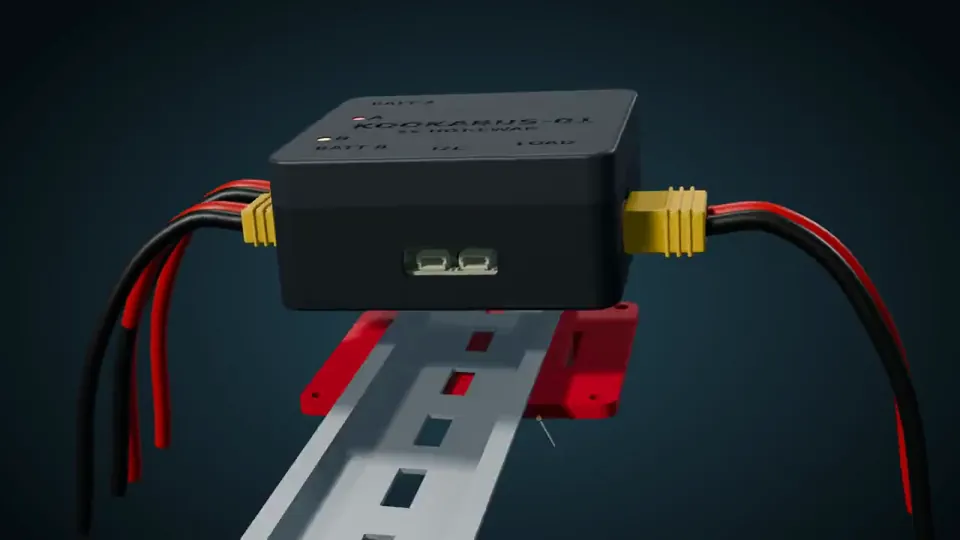
Claude Opus 5.5 continues to amaze me. Claude Opus 5.5 created a 3D printable enclosure for an existing PCB. Then it created this promo video for it.
The PCB, the printable STLs and this animation are 100% just from prompting in Claude Code.
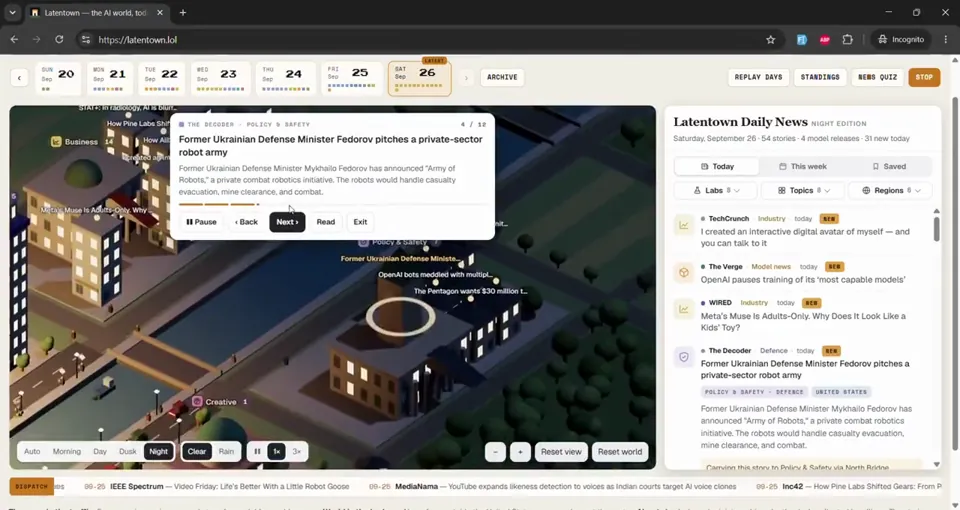
Latentown just went 3D 🏙️
The pixel town grew into a living city of AI news. Every story is a building, every lab has a tower, and couriers carry the day's news across the river.
Built over a weekend with Claude Code + Opus 5.5 and three.js.
https://latentown.lol
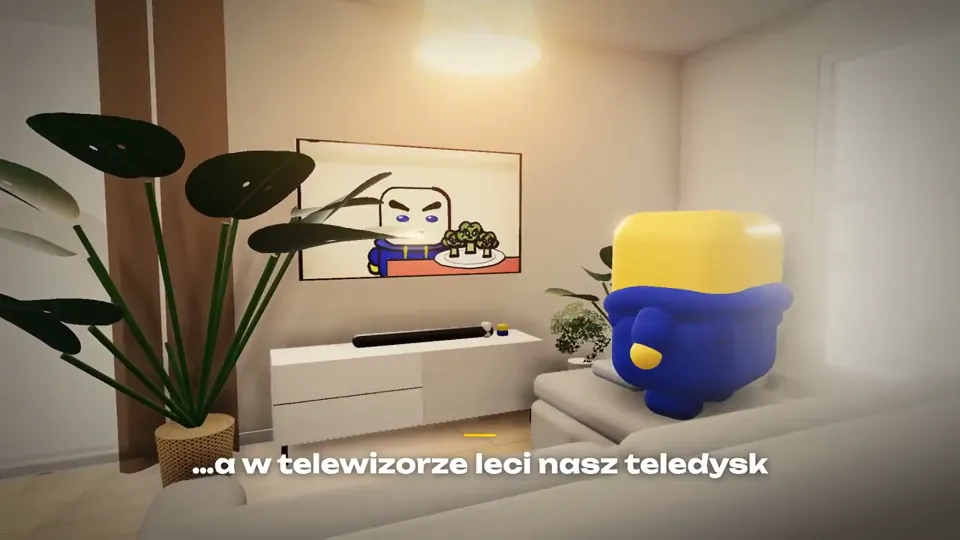
Rok temu próbowałem zrobić grę 3D z Opusem 4.1 - zrzut ekranu, jak to wtedy wyglądało, wrzucę w komentarzu.
Zobaczcie, jak szybko to wszystko idzie do przodu. Minęło tylko 12 miesięcy, a dziś wygląda to tak. Całość zbudowana z modelem Opus 5.5.
https://kreatio.pl/brokul
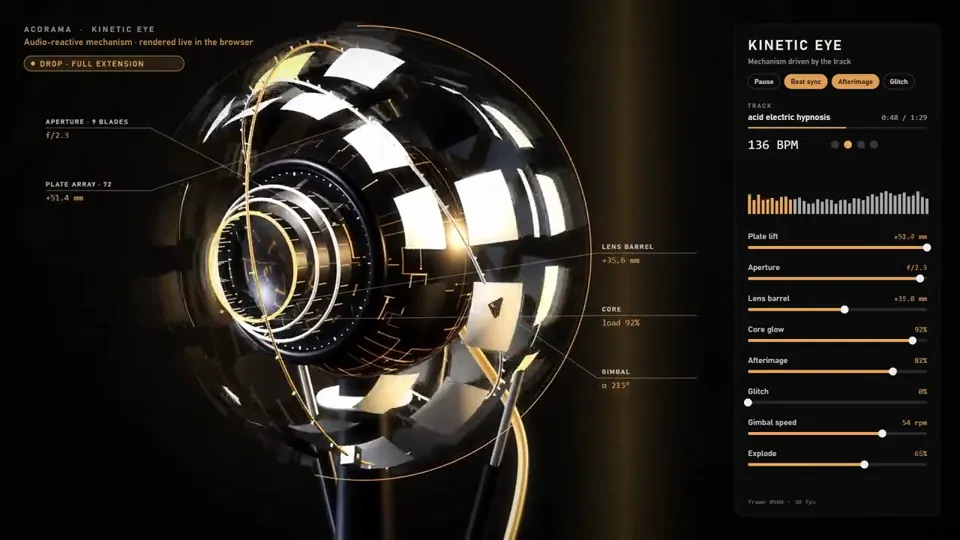
CLAUDE OPUS 5.5 MADE ME A MAGIC EYE.
It doesn't just look around. It listens.
72 plates wrapped around a mechanical eyeball, a 9-blade iris, a lens that slides out when the bass hits, two rings orbiting it like it's its own little planet.
Play a track and it comes alive. Every kick flips the plates open. The bass pushes the lens forward. The highs light up the glowing core inside.
When the song drops into the breakdown, the eye closes and goes quiet, like it's thinking. Then the drop hits and it blows wide open.
Opus 5.5 listened to the track first, found the tempo, the breakdown and the drop, and built the whole thing around it. Even the panel on the right is live: every slider moves with the music.
All 3D, all code, rendered right in a browser.
Turn the sound on.
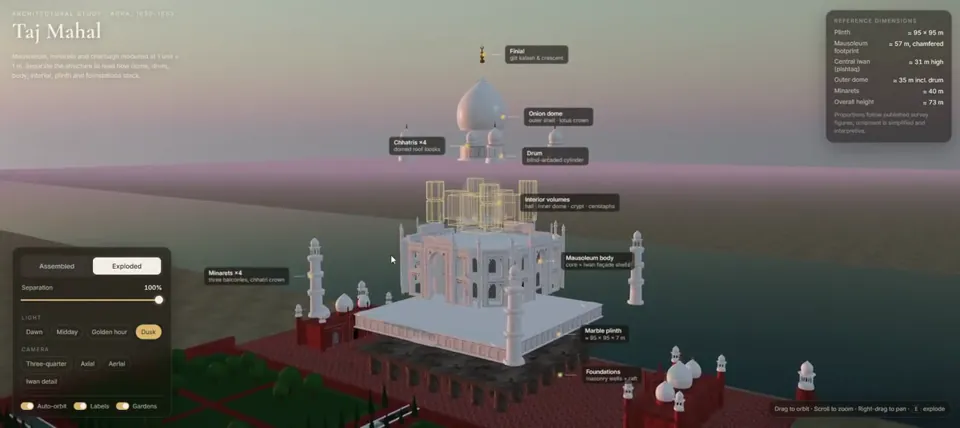
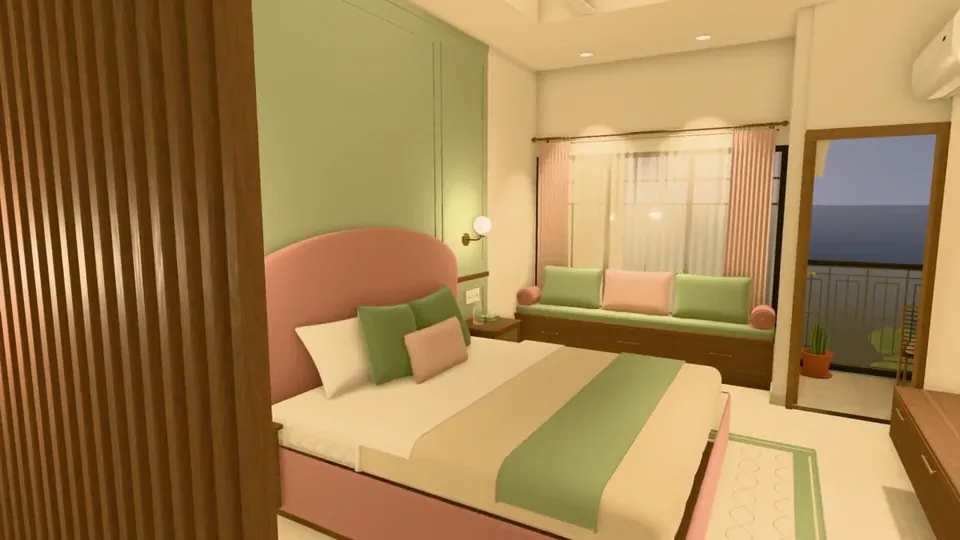
My family is planning to build a house, and all we had was the floor plan. I wanted to see how it would really look once it's built: which colors, layout and design would suit it best.
So I gave the plan to Claude Opus 5.5 and asked it to create a 3D view of the house.
It's one of the most useful things I've created recently. We can now walk through the house before a single brick is laid, and when we want to try a different color or layout, I just ask for the change.
In the video: the hall, room, and the terrace at dusk, all at eye height.
How it worked:
• I gave it the 5-page floor-plan PDF and one reference image for the front of the house.
• It read the drawings and rebuilt every floor: walls, doors, windows and stairs.
• Where a printed size didn't match the drawn wall, it flagged it (15 places) instead of quietly guessing.
• It furnished every room itself: 500+ pieces of furniture, decor and lighting.
• Everything runs in a web browser with three.js. No Blender, no game engine. You can walk through it like a game, in daylight or evening light, and the lamps actually light the rooms.
• It treated it like a real software project: ~37k lines of JavaScript, 185 unit tests, 56 browser tests, and deterministic video capture (render the same frame twice, get identical pixels).
• It even tracked down a bug of its own: a room's lighting changed depending on which room you walked in from.
• It split the work across sub-agents. Start to finish took about two days.
My part was the decisions: what each room is for, the style, and the changes I wanted.
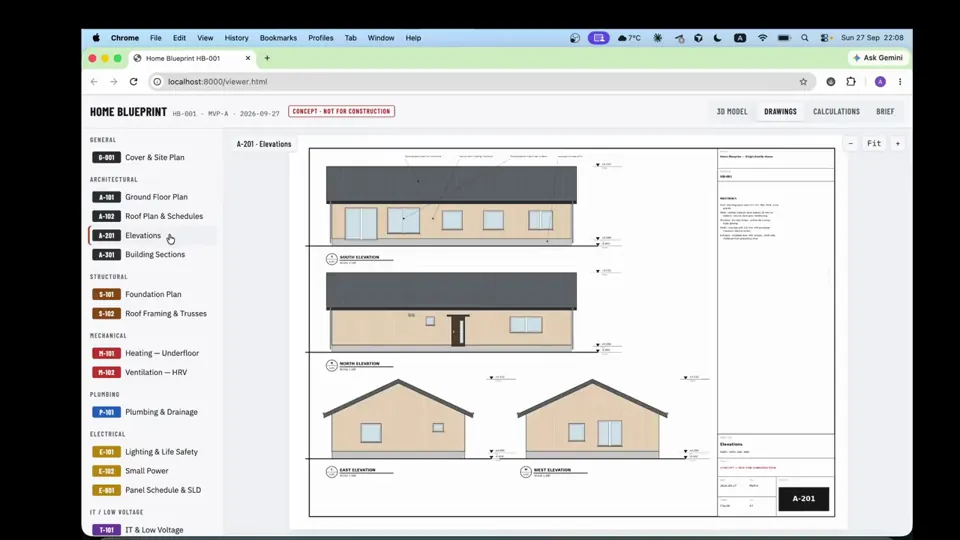
Designed a house as a code with Opus 5.5
One model -> 14 drawings, 5 engineering calculations, a 3D viewer and a CAD export
Concept only, not stamped
Still wild that one person can do this now
I’m curious to see how strong you are as a motion designer. To prove it, create a polished 15-second animated graphic video that showcases your motion design skills. This piece will be presented to 10,000 people on X, so make it visually compelling, professional, and memorable. Take full creative freedom and make the strongest result you can
<inputs>
Ask me for: the product name and a one-line promise, 3 to 5 UI moments to show, one accent color, 10 to 20 real vertical clips I own, and a royalty-free song with a clear drop (e.g. Mixkit, free for commercial use).
</inputs>
<direction>
High-end minimal. One idea per shot, lots of empty space, one accent color, one clean sans (Geist or Inter) with tight tracking. Masked type reveals, match cuts, one smooth camera language. Real footage only, never placeholder cards. No full stops in on-screen text.
Banned: shockwave rings, particle bursts, RGB split, camera shake, lens flares, neon glows, grid floors, flashing backgrounds, bouncy easing.
</direction>
<structure>
10 bars at 120 BPM, 2 seconds each.
Bar 1: the hook lands word by word on the beats.
Bar 2: one hook word morphs into the product UI. A cursor types and clicks.
The drop: a circle opens out of the button into a dark scene.
Then one move per bar: a wall of real clips with a scan line and 3 winners, the key output as big type, a 3D carousel of real videos with floor reflections and a motion-blurred whip onto one hero clip, the hero in a phone next to a panel that flips into results, big stats on push cuts, a 3-word ticker, a logo reveal, a fade to black.
</structure>
<build>
1. One HTML file at 1920x1080. Every style is computed from time inside
http://
window.seek(t): no CSS animations, no timers, no state between frames.
2. Real video: extract clips to 30fps JPEG sequences with ffmpeg and swap img sources per frame. seek awaits the image decodes.
3. Analyze the song with numpy: tempo, beat grid, energy per bar, the drop. Calibrate the grid to the real kick hits. Every cut sits on a downbeat, every UI hit on a beat.
4. Render with Playwright: 3 subframes per frame at t minus, at, and plus 1/240s, then blend with ffmpeg tmix for real motion blur at 60fps.
5. Place each sound effect so its measured peak, not its file start, lands on the event. Keep the effects quiet under the music. Loudnorm to -14 LUFS.
6. Probe 20 or more frames before the full render. Fix anything cluttered, overlapping or hard to read.
</build>
<gotchas>
Never set opacity or filter on a preserve-3d element, because it flattens and both faces show. Fade its wrapper instead. Measure element positions at runtime for match cuts. Only use music and sound effects whose license allows commercial use.
</gotchas>
<start>
Ask me for the inputs, then show me a storyboard with every timing on the beat grid before you write any code.
</start>
<inputs>
Ask me for: 8 to 12 UI states I want the shape to become (e.g. button, loader, player, slider, toggle, tabs, chart, command palette, toast), pure black and white or one accent color, and a royalty-free song around 120 BPM (e.g. Mixkit, free for commercial use).
</inputs>
<direction>
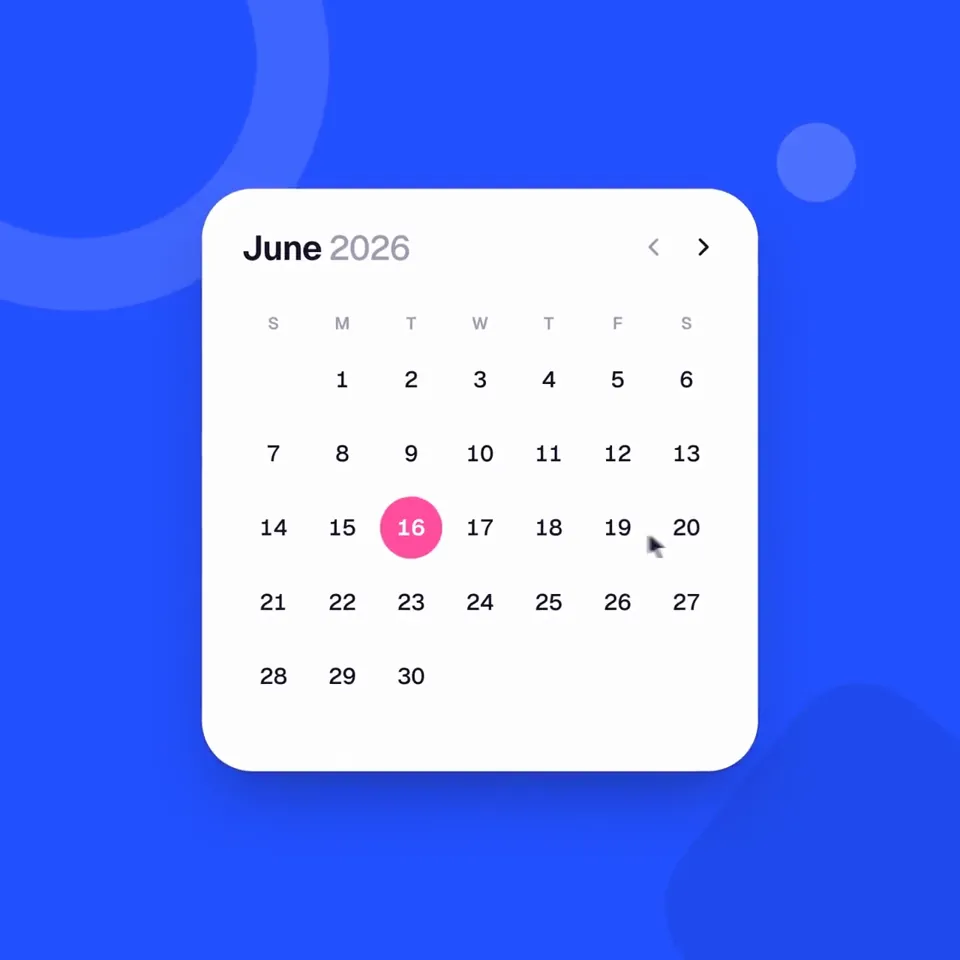
Dribbble-level UI motion. One shape, never cut: every state is the same element morphing its size, radius and color while its content swaps with a short blur. A cursor drives every change with real clicks and drags. Light warm-gray canvas, black and white components, one clean UI font (Geist). Springs everywhere, a tiny overshoot at most. The camera zooms so each state fills the frame. The last frame is the first frame, so it loops.
Banned: bouncy easing, particle bursts, glows, gradients on UI chrome, mismatched icon strokes, dead time, anything that looks like a template.
</direction>
<structure>
120 BPM, 7 bars, something happens on every beat.
Button → loader → check → dynamic island → music player with a play/pause morph → scrub the progress bar → it becomes a volume slider that stretches when dragged past max → a toggle flips on the beat → the knob becomes a liquid tab indicator → the tabs open into a chart that draws itself, with a tooltip on hover → it collapses into ⌘K → type to filter → enter → toast → back to the button.
</structure>
<build>
1. One HTML file, square 1440x1440. Every style is computed from time inside seek(t): no CSS transitions, no timers, no state carried between frames.
2. Springs are closed-form step responses. A value that changes target many times is the sum of one spring per change, so it stays a pure function of time.
3. The tab indicator's two edges ride different springs, so the leading edge stretches ahead of the trailing one. Same trick for the toggle knob.
4. Drags are direct manipulation: while the cursor is held, the value is computed from its position. On release it springs back from wherever it was.
5. Analyze the song with numpy for the beat grid and start on a downbeat. Place every UI sound by its measured peak.
6. Render with Playwright: 4 subframes per frame, blended with ffmpeg tmix for motion blur at 60fps.
7. Render one frame per beat before the full render. Fix anything off the grid, cramped or hard to read.
</build>
<gotchas>
Never put will-change on anything the camera scales or the text renders blurry. Text that swaps inside a morphing container needs its own enter and exit timing or it overlaps. Make the last frame identical to the first, cursor position and speed included, or the loop stutters.
</gotchas>
<start>
Ask me for the inputs, then show me the state list on the beat grid before you write any code.
</start>
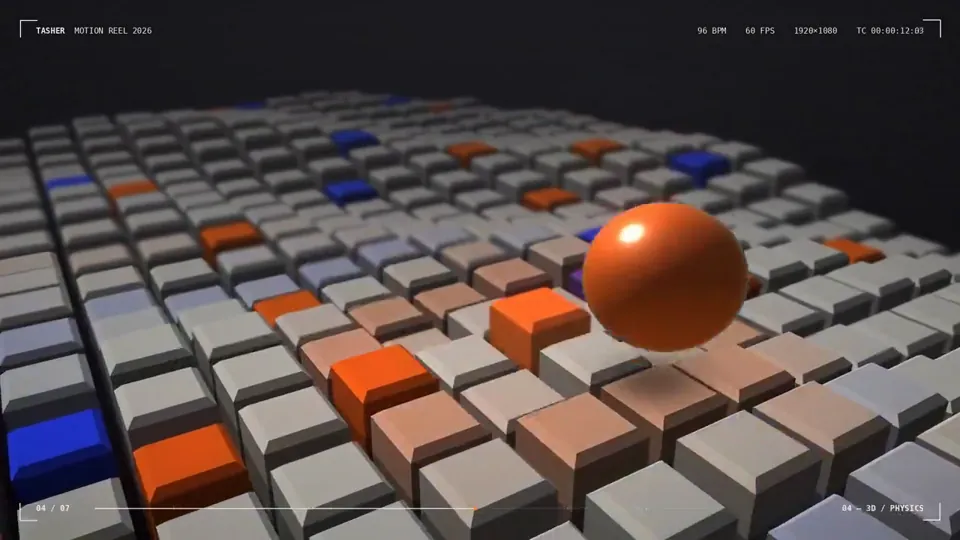
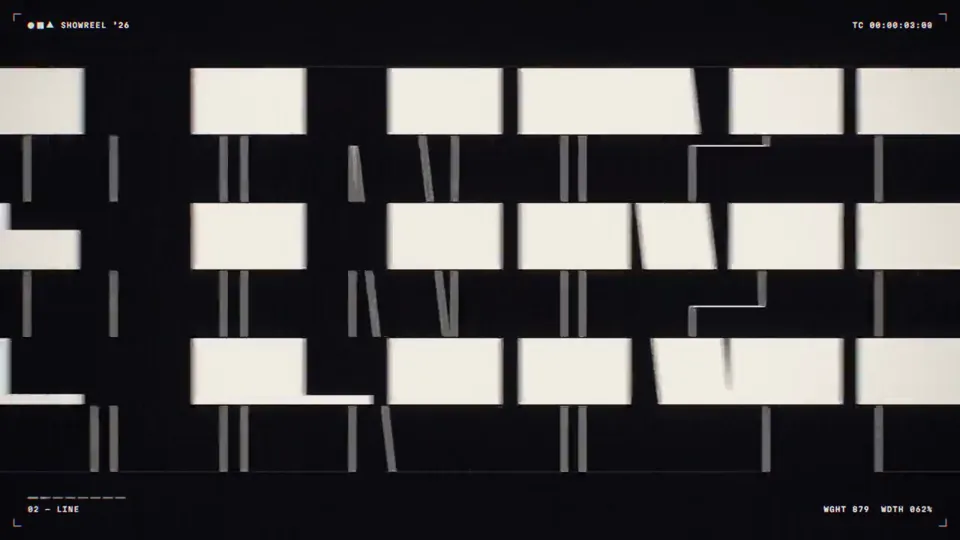
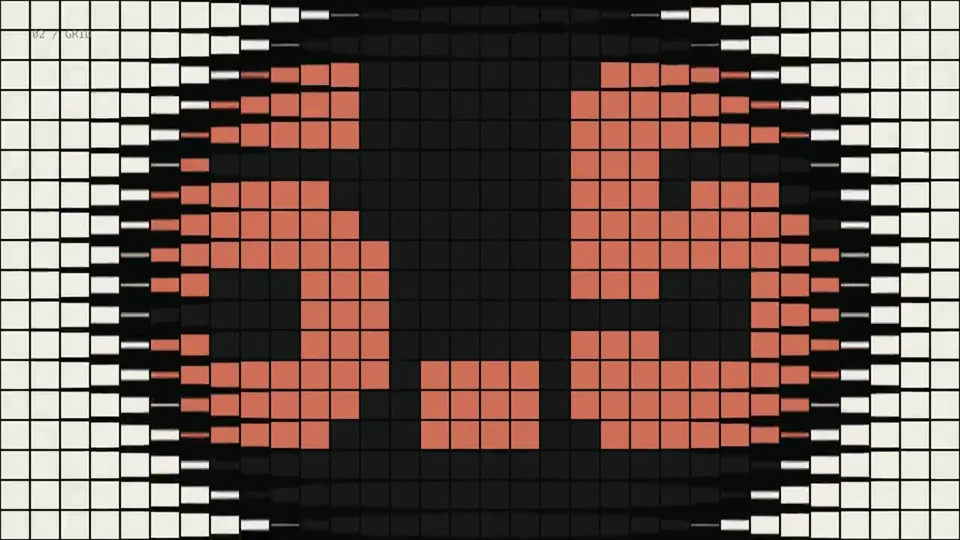
Create a bold, dynamic 15-second motion graphics showreel that feels like the ultimate portfolio piece of an exceptionally talented motion designer. Showcase a wide range of advanced techniques: kinetic typography, smooth transitions, 2D and 3D animation, abstract geometry, fluid simulations, particles, distortion, creative masking, compositing, lighting, depth, and seamless camera movement. Keep the pacing fast, confident, and visually surprising, with every shot transitioning naturally into the next. Make it feel meticulously art-directed rather than like a random collection of effects. Push the creativity, polish, timing, and visual impact as far as possible. This should feel like the opening reel that gets a motion designer hired.
make a dynamic 15-second motion graphics video that shows what an incredible motion designer you are, like it's your showreel for a résumé. go all out.
Establish real or relative scale before describing motion.
Use a lighting recipe: key, fill, rim, and environment.
State whether the result should feel physical or stylized.
FAQ
Can I use these prompts with models other than Claude Opus 5.5?
Yes. The examples are written as portable creative specifications. Keep the scene, motion, camera, timing, and technical constraints, then adapt the output format for your model or coding agent.
What makes a strong AI video prompt?
A useful prompt names the subject, visual system, sequence of motion, camera behavior, duration, transitions, and delivery constraints. Concrete verbs and measurable timing outperform vague style words.

 0:30
0:30