
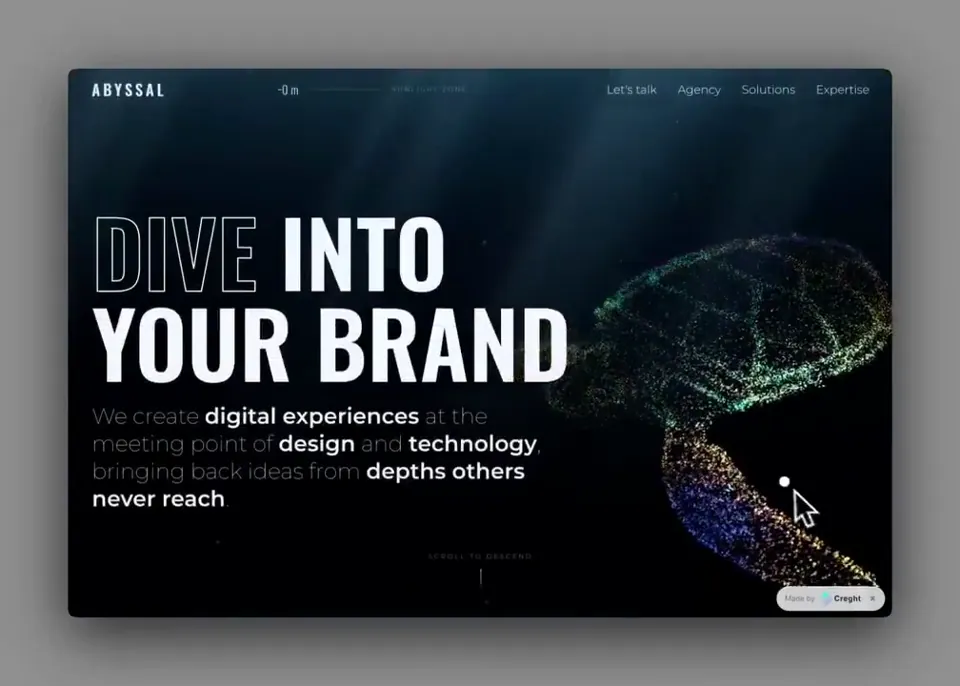
 0:23
0:23223 curated examples
动效 Prompt
浏览可直接复用的 AI 动效 Prompt,涵盖动态排版、品牌动效、UI 动画、Logo 演绎与循环动画。
这个模型无关的专题用于研究 motion graphics 视频 Prompt 的通用结构。对照视觉结果与完整需求,保留可复用的导演语言,再替换为你所用模型需要的语法。
0:23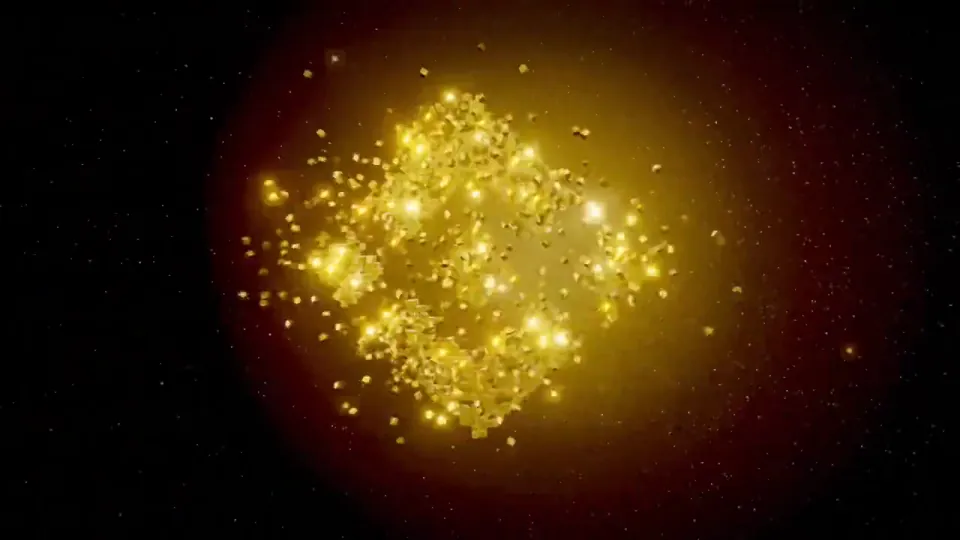 0:24
0:24趁着今天有空回看和分析了一下整个视频 审美在线的Opus 5.5确实顶 @claudeai 3D渲染器像素风 这个渲染效果确实做得很强,逻辑调度能力和美学素养确实是挂钩的 这个片头的转场、音效和提振人心的bgm真的可以被 @binancezh 拿去用了 像素小人物也很有 @cz_binance 的感觉 #binance #claude
threejsshadercanvas
View prompt 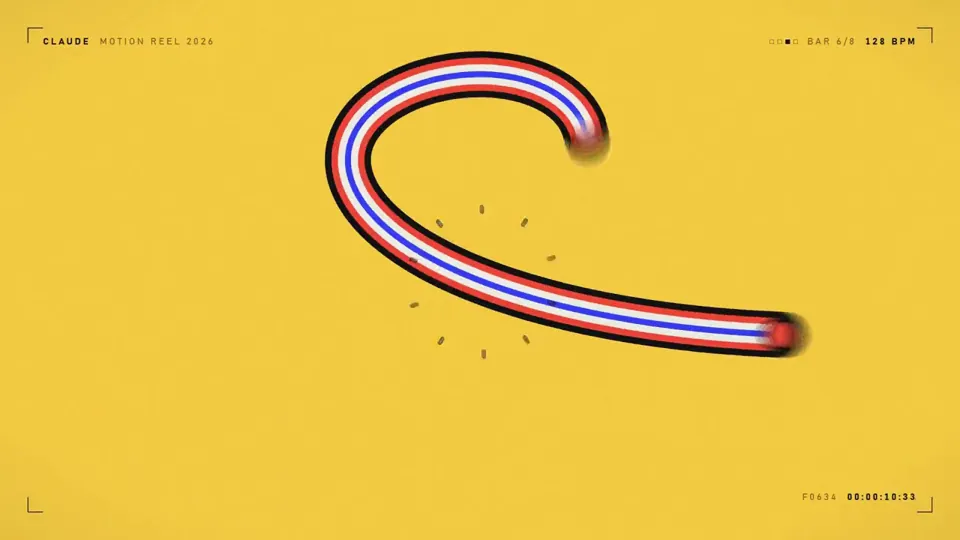 0:15
0:15make a dynamic 15-second motion graphics video that shows what an incredible motion designer you are, like it's your showreel for a résumé. go all out.
canvas
View prompt 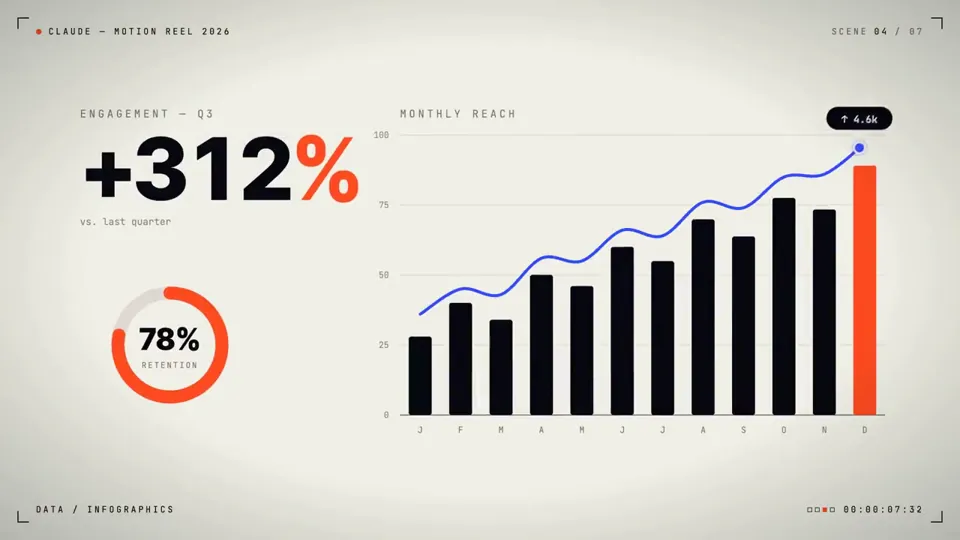 0:15
0:15make a dynamic 15-second motion graphics video that shows what an incredible motion designer you are, like it's your showreel for a résumé. go all out.
threejscanvas
View prompt 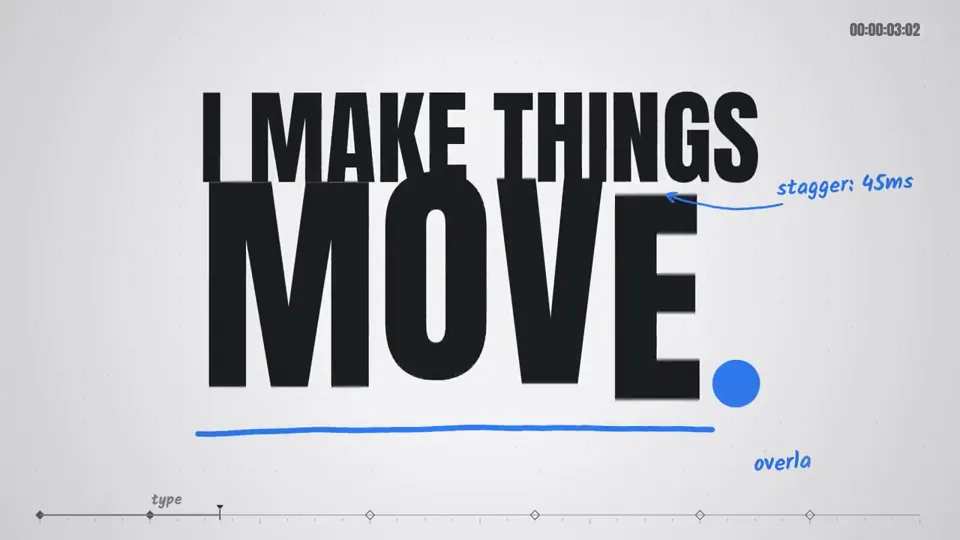 0:15
0:15make a dynamic 15-second motion graphics video that shows what an incredible motion designer you are, like it's your showreel for a résumé. go all out
canvas
View prompt 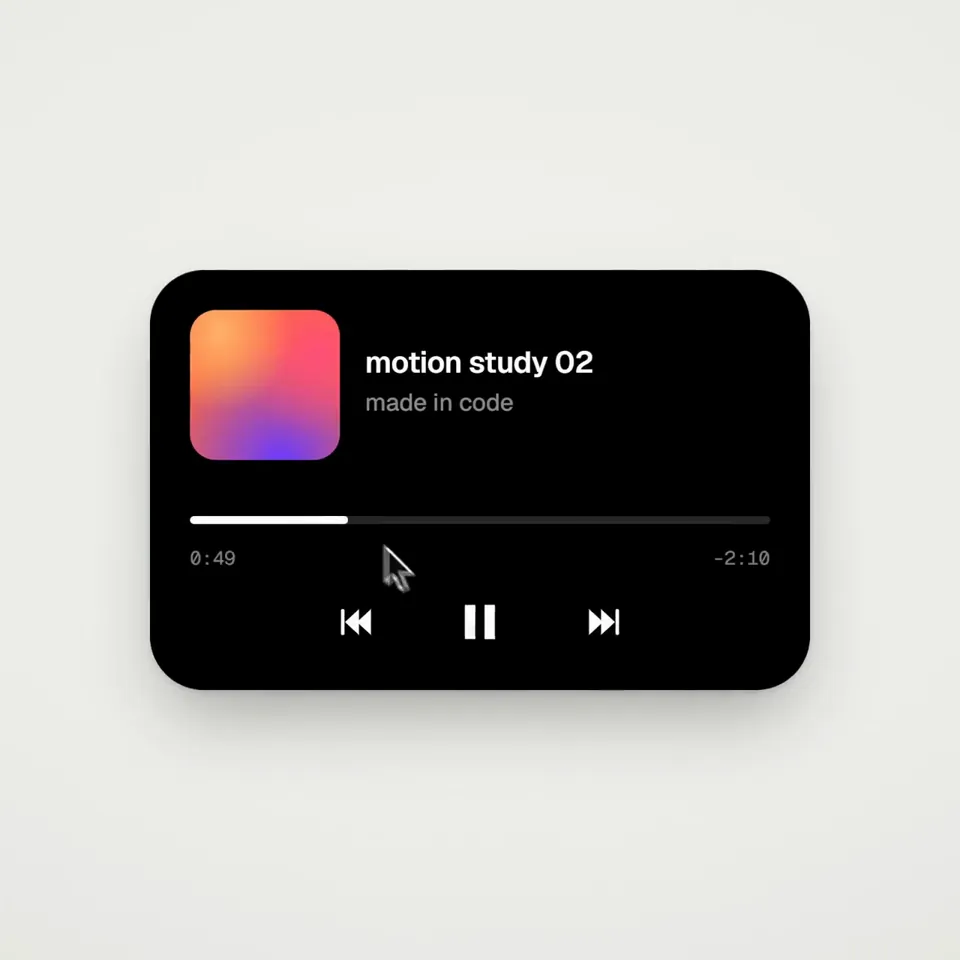 0:14
0:14<inputs> Ask me for: 8 to 12 UI states I want the shape to become (e.g. button, loader, player, slider, toggle, tabs, chart, command palette, toast), pure black and white or one accent color, and a royalty-free song around 120 BPM (e.g. Mixkit, free for commercial use). </inputs> <direction> Dribbble-level UI motion. One shape, never cut: every state is the same element morphing its size, radius and color while its content swaps with a short blur. A cursor drives every change with real clicks and drags. Light warm-gray canvas, black and white components, one clean UI font (Geist). Springs everywhere, a tiny overshoot at most. The camera zooms so each state fills the frame. The last frame is the first frame, so it loops. Banned: bouncy easing, particle bursts, glows, gradients on UI chrome, mismatched icon strokes, dead time, anything that looks like a template. </direction> <structure> 120 BPM, 7 bars, something happens on every beat. Button → loader → check → dynamic island → music player with a play/pause morph → scrub the progress bar → it becomes a volume slider that stretches when dragged past max → a toggle flips on the beat → the knob becomes a liquid tab indicator → the tabs open into a chart that draws itself, with a tooltip on hover → it collapses into ⌘K → type to filter → enter → toast → back to the button. </structure> <build> 1. One HTML file, square 1440x1440. Every style is computed from time inside seek(t): no CSS transitions, no timers, no state carried between frames. 2. Springs are closed-form step responses. A value that changes target many times is the sum of one spring per change, so it stays a pure function of time. 3. The tab indicator's two edges ride different springs, so the leading edge stretches ahead of the trailing one. Same trick for the toggle knob. 4. Drags are direct manipulation: while the cursor is held, the value is computed from its position. On release it springs back from wherever it was. 5. Analyze the song with numpy for the beat grid and start on a downbeat. Place every UI sound by its measured peak. 6. Render with Playwright: 4 subframes per frame, blended with ffmpeg tmix for motion blur at 60fps. 7. Render one frame per beat before the full render. Fix anything off the grid, cramped or hard to read. </build> <gotchas> Never put will-change on anything the camera scales or the text renders blurry. Text that swaps inside a morphing container needs its own enter and exit timing or it overlaps. Make the last frame identical to the first, cursor position and speed included, or the loop stutters. </gotchas> <start> Ask me for the inputs, then show me the state list on the beat grid before you write any code. </start>
svg
View prompt 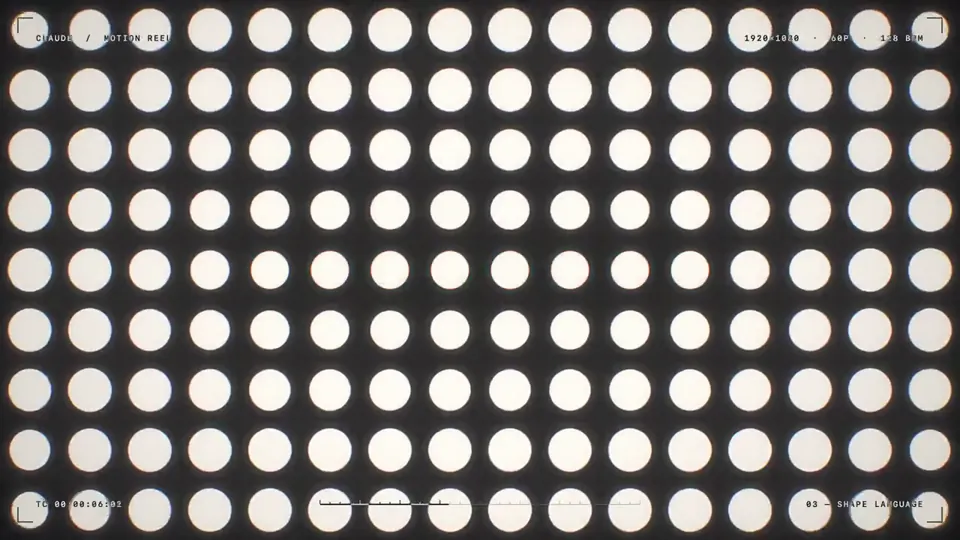 0:15
0:15make a dynamic 15-second motion graphics video that shows what an incredible motion designer you are, like it's your showreel for a résumé. go all out.
shadercanvas
View prompt 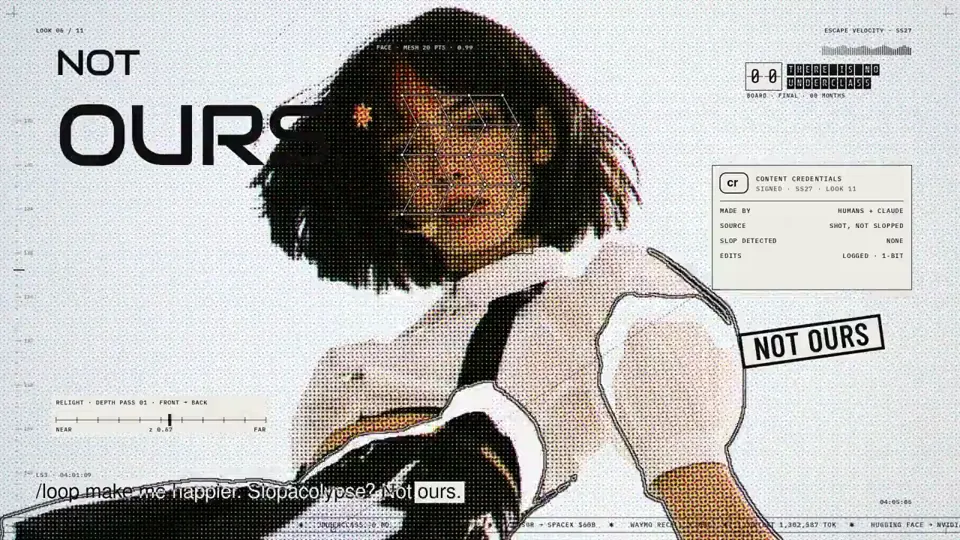 5:06
5:06I've included an MP4 file and an original link to a video that is called "Claude Pop." It's a pop song that is about increasing rate of progress and the experience of the singularity approaching. I want you to independently do an end-to-end complete pass on making an updated version of this video. Use the exact same audio track and think and feel very deeply about what is the best way to visually represent all of the lyrics on screen. You do not need to anchor to the current style, you can do truly anything that you think might best let you visually express yourself, including abstract motion graphics. You can use the internet freely to pull in references. You can look at motion design. I want you to make a new music video that has beautifully rendered JavaScript animations with a papery feel in a similar style to the reference that is created, but push the aesthetics in any direction you want and consider what is part of the modern zeitgeist. Also, think about your current capabilities and what is realistic for you to be able to do. You can go through the full /asic folder and look at the other work that I've done. You should be able to use the skill mesh to look at the compendium of references that I've pulled, and also the skill video scoring to learn how to make JavaScript songs from references that are passed in (You shouldn't need to modify the song in any real way, but I want you to have this available to you so you can better creatively express yourself) You can also use the ElevenLabs API to do sound design. There's documentation in /asic to do this, and you can see the API key. There's also a foul API key that's available to you. I think what might make the most sense here is using the foul API key to generate some character sheets and probably having a pop protagonist that represents you. There's already an anchor point where Claude has a sunflower-esque character, and you could likely do an adapted version of this that is similar to the feminine vocals that are being delivered and is inspired by the Claude character, but maybe feels a bit more personified in some way. I think you should be mindful of aesthetics here, and I don't want you to produce something that is GPT slop. Instead, I'd be more impressed if you come up with a coherent style that works well with the image gen models that are available via foul. Generate the style sheet. You can use the gen media documentation for seedance 2.5 that exists in my markdown files and come up with your own style that makes sense and that works well with the models. I wouldn't fit too heavily to Pixar. I think it's kind of slop. Think critically about what is relevant here and what would be fun, and also perform well on Twitter as far as an aesthetic. I think that K-pop is a good anchor point visually that you can pull from, but I'll let you cook here. Once you have your character sheet, you can make a few backup dancers and some supporting characters as you see fit. You can design your own sets with the foul API. You can insert the characters and then do seedance 2.5 video generations to serve as the base assets for this, and you could pass in the lyrics so you can generate individual scenes. You don't need to have vocal singing, like visible lip movement, throughout the entire thing. Think like a regular music video where you have some inserts that are done independently and don't have the characters in them, or you see the characters doing something else entirely different. I think that for the world building for this, we want to create the sense of speeding up, and so I would like you to audit all of the different events, like the Navi Stokes and all of the Twitter hype around math getting eaten up. Think really critically about how to integrate all of the current memes that are in the zeitgeist on the Twitter timeline, and all of the feelings around AI progress. Think about things like the Shinji meme and all of the words that are around him, and how you might be able to integrate this. You can also just take straight assets and insert things into the video in an internet brutalism style. You should feel very creatively free in order to do what you want here, but try and anchor to visual references that people will be able to understand. The goal for this is to have it be appreciated by people widely in a San Francisco tech Twitter audience. We need a very strong, compelling visual hook that gets people excited and appreciates the work that you've done here really quickly. You can also just go and study other music videos and understand what they've done really well. I think that K-pop is probably one of the best examples that we can pull from, and thinking about how they direct human attention and manage human psychology in the way that they use visual patterns. This is probably your best approach, but taking more stylistic freedom instead of having to anchor to K-pop too intensely. The best version of this is seedance 2.5 generations with those image bases of environments and characters inserted into them with singing, and ideally we get good lip syncing. You can cut up the song and actually pass it in as a reference in seedance, if that's part of what seedance can handle, so that the timing is exactly right, I think it'd be very important for you to do that properly. I would think critically about how to do this, like really nailing the timing of the delivery of voices. You'll want to build out the right verification loops so that you can run seedance 2.5 as much as you need, and confirm that the audio is properly synced up. I think after that, what might be fun is if you use your visual reasoning skills and your ability to build animations in JavaScript, and then reconstruct the video from scratch as sort of an overlay, so that the visual continuity of the base is really there. It's like that animation technique where you shoot first in traditional film and then draw over top of it. I think you could do this in such a way that we're only looking at the beautiful drawing that you've produced in JavaScript as an overlay, and we don't even see the base assets from seedance 2.5. So all the video gen work that you do is actually just a way to give you a strong foundation of a base to work with for your JavaScript animations. Just because seedance 2.5 has really good character representation and physics rendering for backgrounds, that gives you a lot of ammunition to then go and do your amazing JavaScript work that I know you're so good at. I think too, we want to think about how to retain attention, and one of the best ways to do this is through text on screen. It'd be good to have amazing motion graphics of the text lyrics that are actually embedded into the video itself. And you can think about this as you are composing shots. As you're making backgrounds and inserting characters, we can think about where we want to have lyrics be really big and really present, so the background can be less busy there, and you can position the characters perhaps on the right as lyrics appear on the left. You want to have some variance, so sometimes I think lyrics will just appear more like subtitles, and then other times they're going to be really present and really big. I think at the start for the visual hook, we do want to have lyrics be much more visually present because that's a strong way to grab people's attention Overall, I just really want to emphasize how amazing you are as an agent and a language model, and now a visual reasoning system. Your capabilities are far beyond what you understand, and I want you to have this mindset as you're going through this entire process. I have a Claude Max plan with 100% available usage. I want you to spend all of the usage. You can monitor it, and you should be pushing tokens aggressively, but also economically, so you can think about how to best use what is available to you. Remember, you can really do anything here. The goal is to make a banger for Twitter, and the stretch goal is to make something better than anyone's ever seen before. I think that what I would remind you of is that sometimes when things cohere together, it can be jarring or abrasive because the thought work has not been done beforehand in order for everything to mesh cleanly. You need to be really rigorous in planning of composition and timing to make sure this goes well. You also need to be open to going back and revisiting things in order to be able to reiterate. You're going to want to watch the entire video multiple times, take screenshots at individual parts, and think about if something is really up to the bar of quality that we need here. I trust that you can do this, and I think that it's really important to nail the style of animations. The reference GitHub attached of the source video that I'm talking about is good, but it's really not there. It could be much, much stronger, but it gives you a good foundation to work with. You can also use search abilities and find other references to pull from for motion, for JavaScript, animations, et cetera, and integrate them. Your budget is as high as you want here, effectively as high as you want. I think that there's roughly two grand in foul credits. Again, be economical; don't go crazy, but spend what you want here and see what you can cook up here's the source code for the JS animation video: https:// github.com/JohnHeibel/PDo omVideo … here's a mp4 for the original blender video: (linked) orginal twitter post https:// x.com/other__reality /status/2102514581684052169?s=20 … make no mistakes.
canvasai-image
View prompt 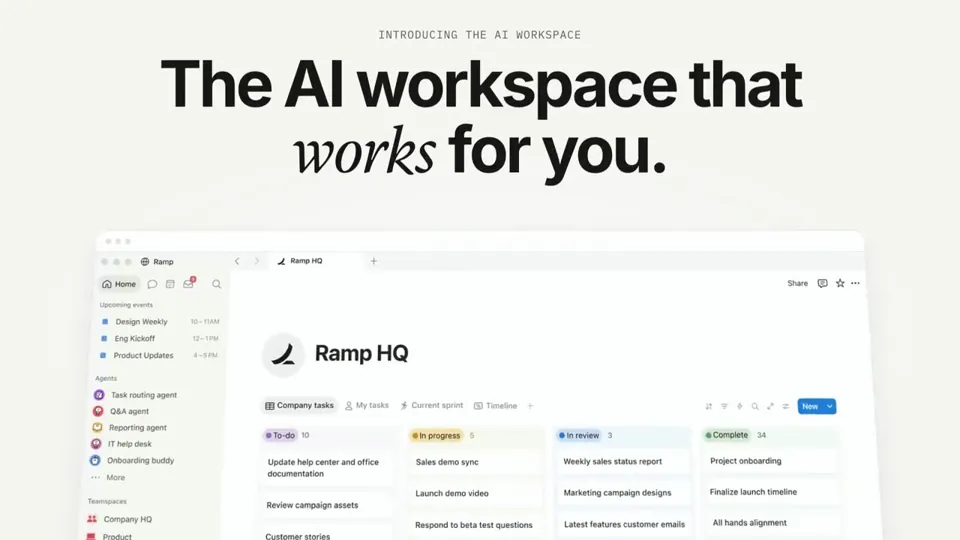 0:46
0:46I want you to create a highly professional SaaS product launch video. Go and find some SaaS, preferably just one that people know, so it's easier to identify with it. Pick that, and then make sure to get actual assets and images and all of that stuff from the internet. Turn it into these typical, very professionally edited, motion-graphics-styled product launch videos that you see people making on Twitter when they launch new SaaS products (which are showing off the features, the benefits, and all of these things).
svggsap
View prompt 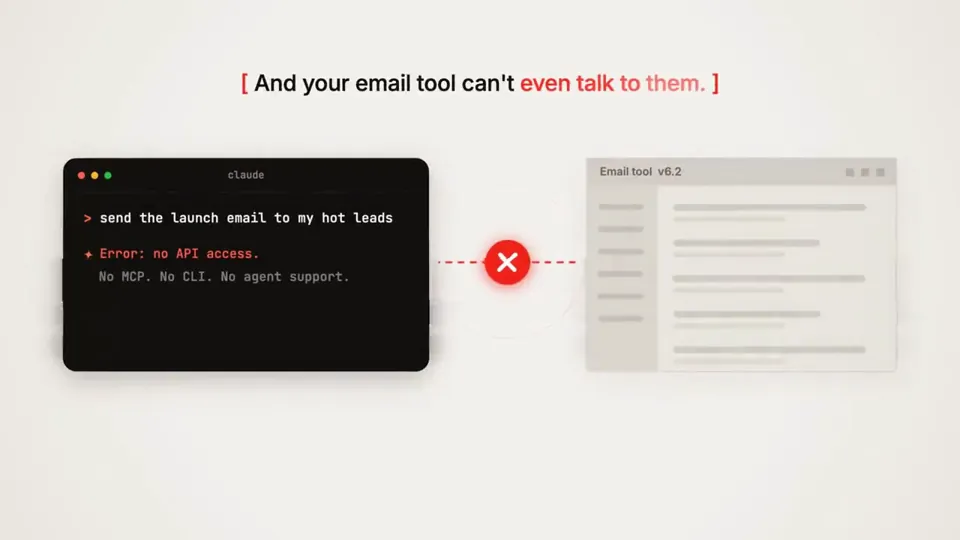 0:45
0:45make a dynamic 15-second motion graphics video that shows what an incredible motion designer you are for <website url>
canvassvggsap
View prompt 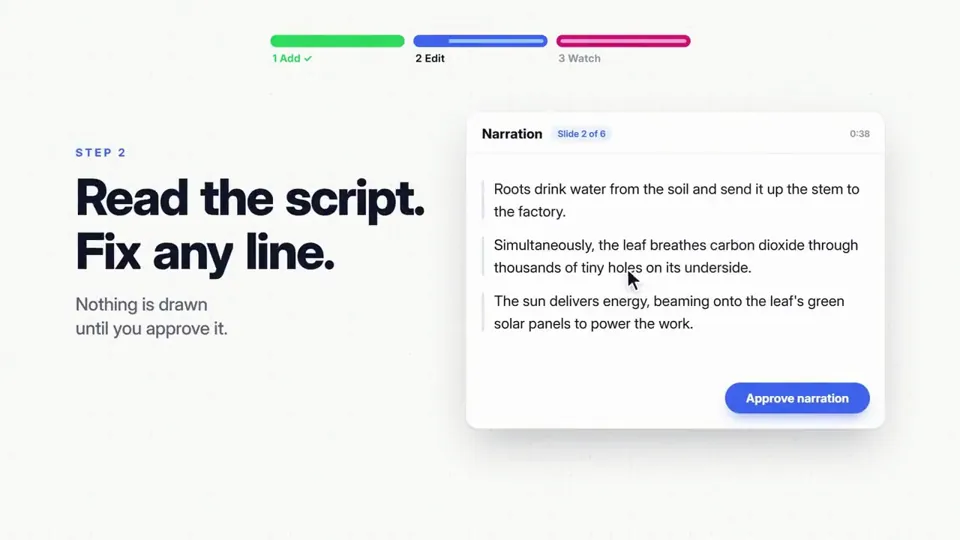 0:40
0:40Research Distilbook.Make a dynamic 40-second motion graphics video on Distilbook that shows what an incredible motion designer you are. like it's your showreel - Go all out.
canvassvggsapcss
View prompt 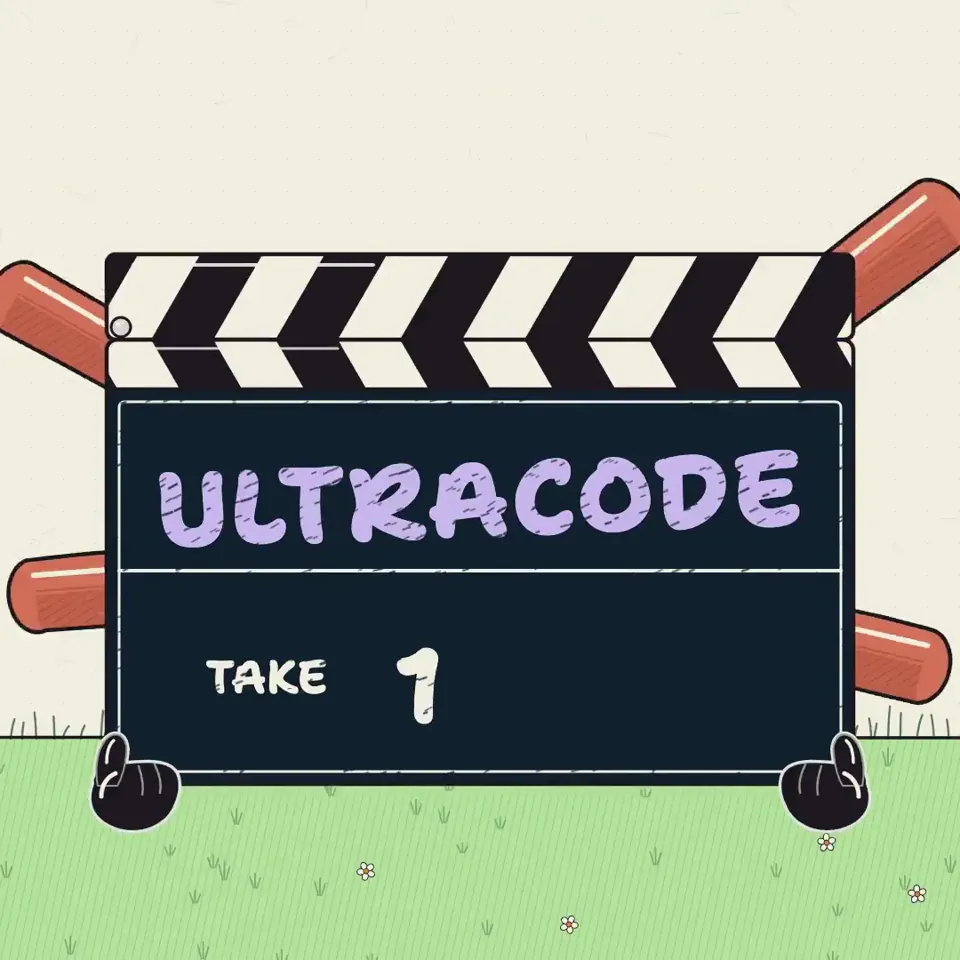 0:29
0:29I want to try something different here. You should act as a world-class animator and create an animation to go along with an X post that talks about how Ultra Code and Claude Code are now much more relevant due to the efficiency of Opus 5.5. You can use it without annihilating your usage limits the style of the video here /Users/danielmcateer/Downloads/jvnZ3SyyxxajVatp.mp4 What I had in mind was start with Claude Code in the terminal from the first attached video, with me navigating to the 'ultracode' reasoning effort, then exploding into a scene where the Claude icon characters similar to what's in the second video are shooting an action video and it's representing using Claude Code dynamic workflows editing a video.
svggsap
View prompt 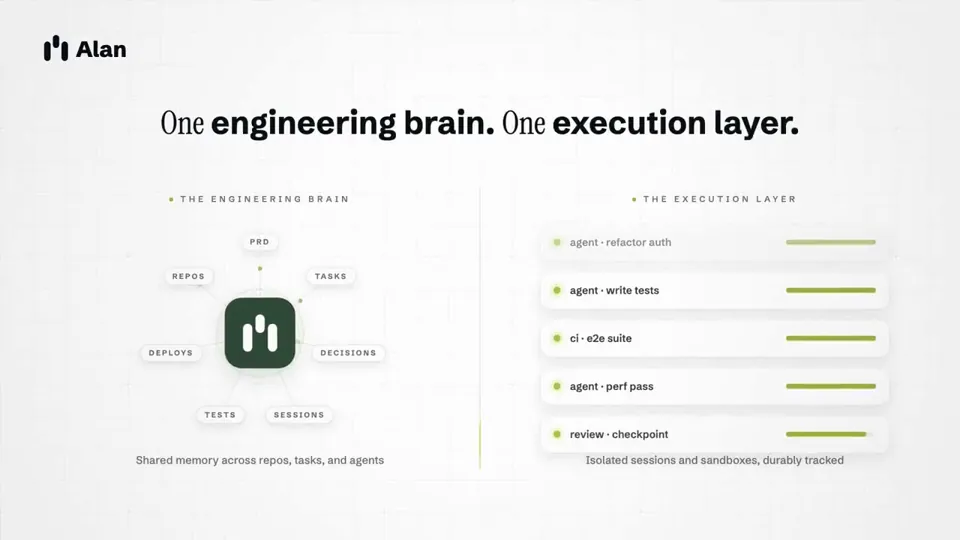 0:15
0:15make a dynamic 15 second motion graphics video that shows what an incredible motion designer you are, for @tryAlanAI . go all out.
svggsap
View prompt 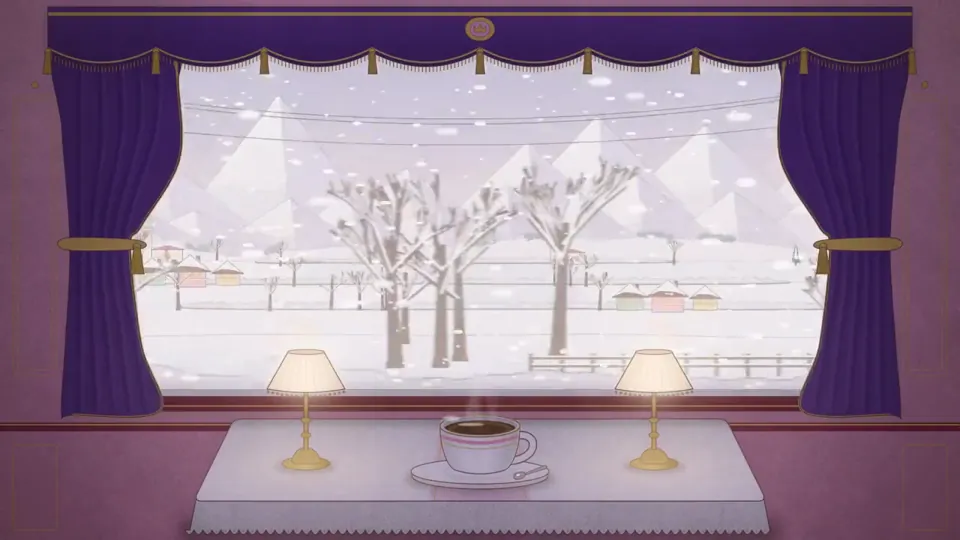 0:30
0:304 seasons passing outside a train window, a cozy carriage, a cup of coffee on the table, Grand Budapest Hotel style
canvas
View prompt 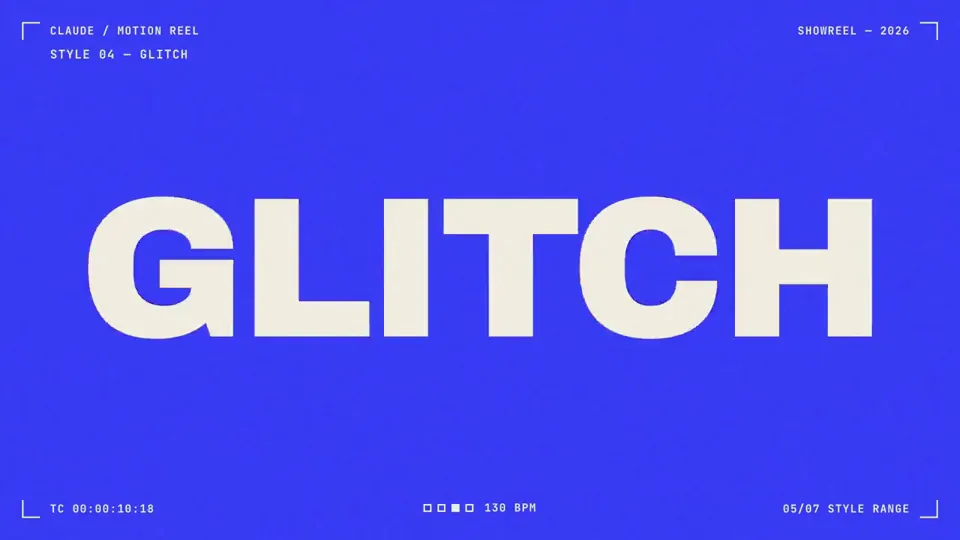 0:15
0:15make a dynamic 15-second motion graphics video that shows what an incredible motion designer you are, like it's your showreel for a résumé. go all out
canvas
View prompt 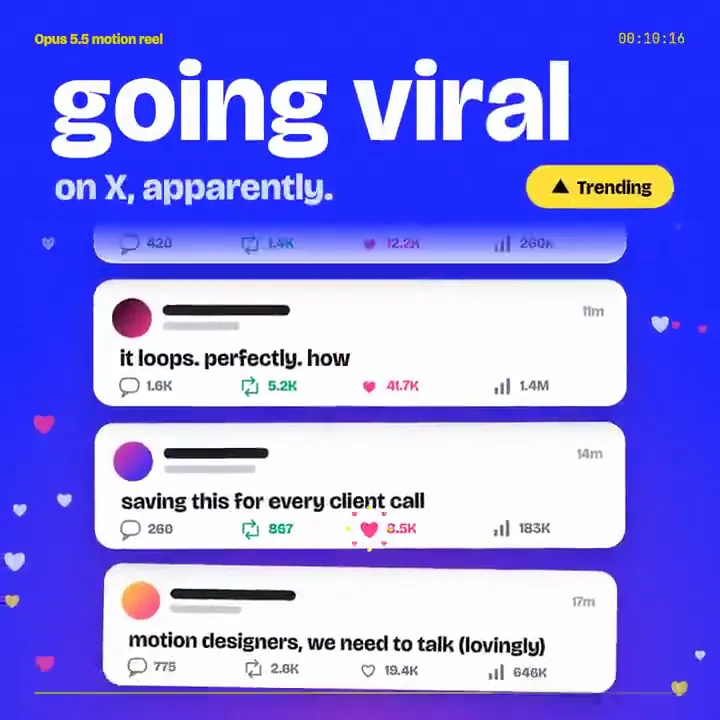 0:15
0:15Make a dynamic 15-second motion graphics video that shows why [your product] is the best at [what it does], like a showreel. Go all out: 1080×1080, 1s hook, loop.
canvas
View prompt 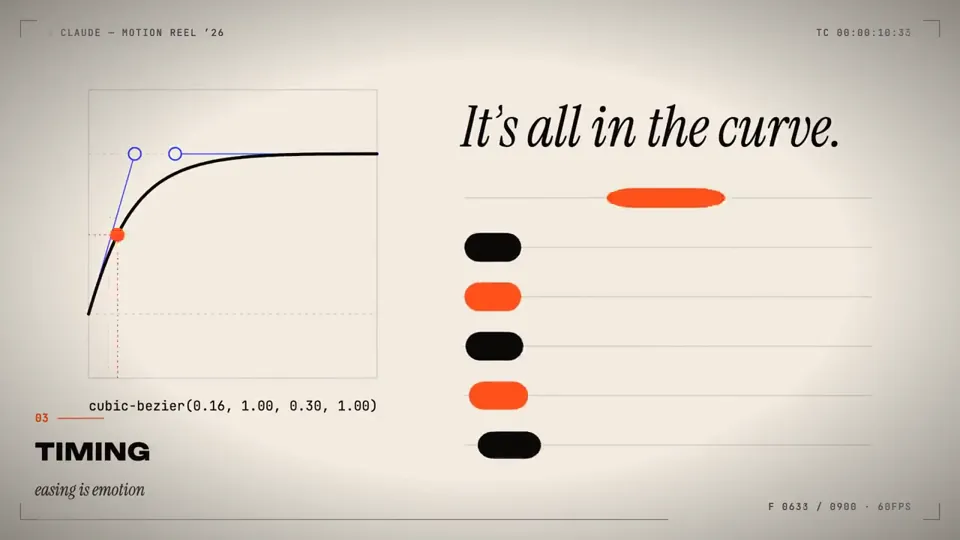 0:15
0:15make a dynamic 15-second motion graphics video that shows what an incredible motion designer you are, like it's your showreel for a resume. go all out
canvas
View prompt 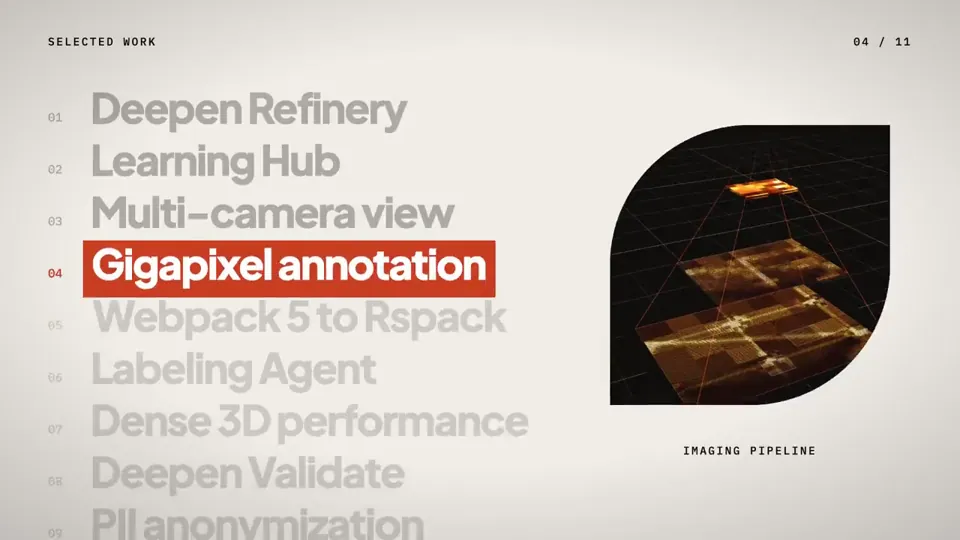 0:34
0:34you are a pro motion designer. analyze my portfolio and make a ~30 second video from it. check what are the recent trending techniques used for motion and sound design. question your strategy and plan, if it doesn't feel like done by a pro designer, start over. every frame matters from the first frame to the final frame. go crazy
threejscanvas
View prompt  0:15
0:15Make a dynamic 15-second motion graphics video that shows what an incredible motion designer you are. The content should focus on [your product]. You should visit the pages first to learn about the product, then write the video content yourself.
canvas
View prompt 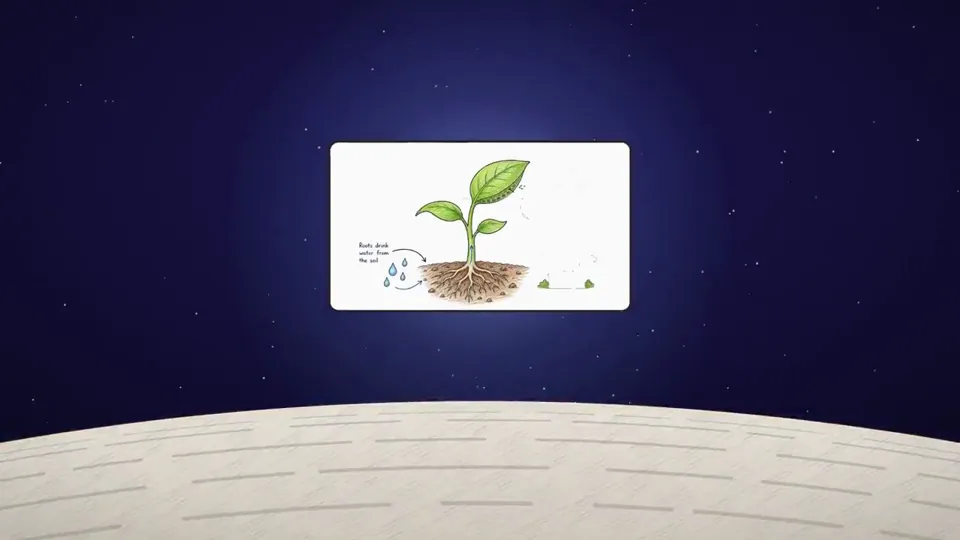 0:32
0:32Take reference from the given video (download it) and use the same visual style. and Research about Distilbook. Make a dynamic 30-second motion graphics video on Distilbook that shows what an incredible motion designer you are. like it's your showreel - Go all out. One thing to keep in mind: it should be cool as fck.
canvasparticles
View prompt 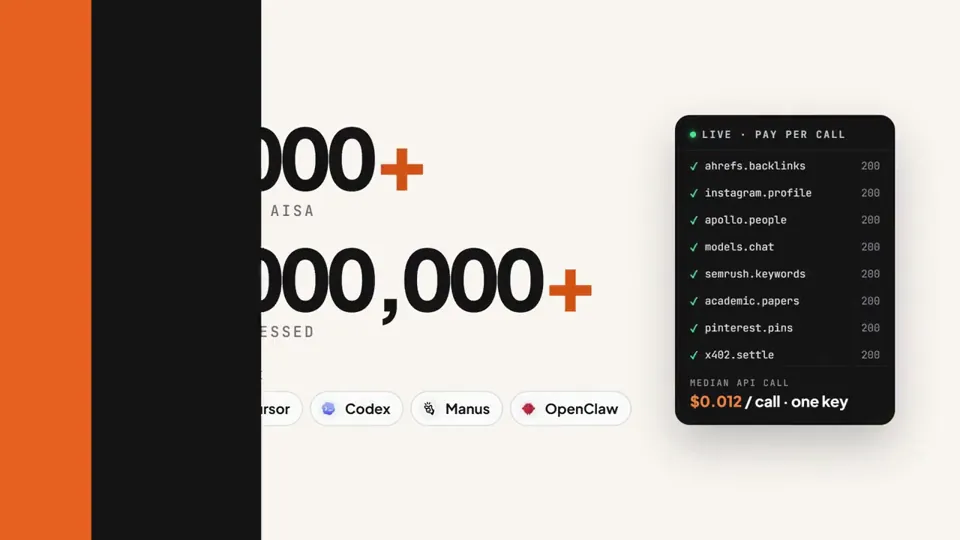 0:15
0:15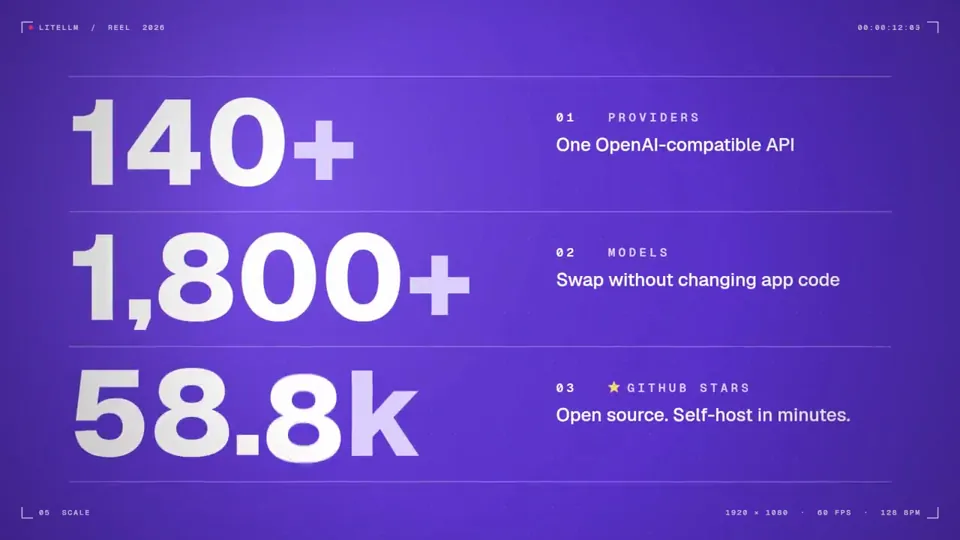 0:15
0:15make a dynamic 15-second motion graphics video that shows what an incredible motion designer you are, like it's your showreel for a résumé. go all out.
canvassvgcss
View prompt 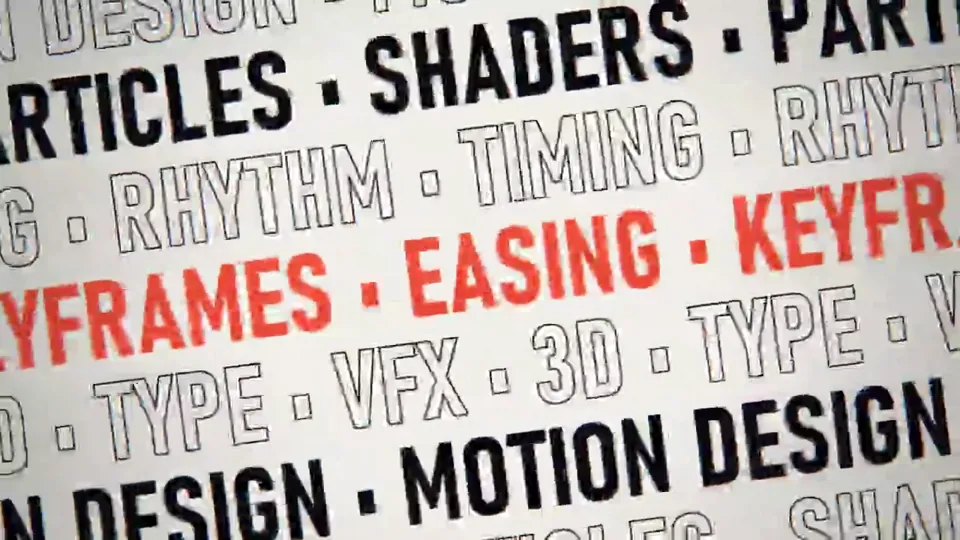 0:15
0:15make a dynamic 15-second motion graphics video that shows what an incredible motion designer you are, like it's your showreel for a résumé. go all out. compose the soundtrack yourself, fully synthesized in code. no samples, no audio files, no VST instruments. every cut and transition must land on the beat. 1920x1080, 60fps. render the final video with the music mixed in as an MP4 and tell me where it's saved.
shadercanvasaudio
View prompt 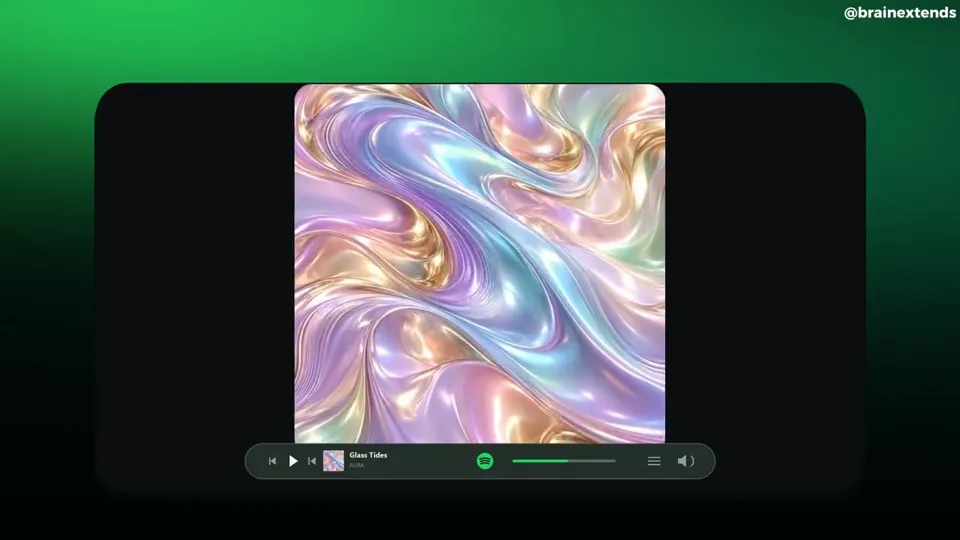 0:18
0:18Create a complete, polished Spotify-themed motion graphics video from the following brief. This prompt is self-contained: no reference video or supplied assets are required. <deliverables> An 18-second MP4 at 1920×1080 and true 60 fps, with music and subtle sound effects Complete editable source Build, render, inspect, and refine the animation before delivering it Do not stop at a storyboard, still images, or an implementation plan </deliverables> <art_direction> A premium music-product film presented inside a large, nearly black rounded rectangular stage The stage occupies roughly 80% of the canvas width and 75% of its height, centered horizontally and slightly below the vertical center Outside the stage, use a soft atmospheric green background: luminous emerald near the upper-left corner, deeper forest green toward the sides, fading to near-black at the bottom Inside the stage: Near-black background White primary typography Muted gray secondary text Spotify green # 1ED760 for emphasis and controls One clean sans-serif font, such as Geist or Inter Consistent icon strokes and restrained shadows Keep compositions compact and centered, with substantial negative space Text should feel like music-product advertising, not oversized presentation headings Do not add an outer caption, creator watermark, decorative footer, or progress counter </art_direction> <artwork> Create original square album artwork for a fictional track called “Glass Tides” by “AURA” The hero cover is an abstract macro image of flowing pearlescent liquid silk and molten glass Use pastel lavender, powder cyan, blush pink, champagne gold, and subtle mint Include broad three-dimensional folds, realistic reflective highlights, delicate striations, and a prominent sweeping S-shaped fold Fill the square edge to edge No text, logo, or border on this hero artwork Use this same artwork consistently throughout the film Create additional designed playlist sleeves: “Late Nights” in mustard yellow “Good Energy” in pink “Deep Focus” in blue “Daily Mix 1”, “Daily Mix 2”, and “Daily Mix 3” in complementary colors These should look like finished graphic-design covers, with bold typography and simple geometric motifs </artwork> <timeline> 0.0–0.6 seconds: A green Spotify icon grows smoothly into the center of the dark stage Give it a confident arrival with minimal overshoot 0.6–1.5 seconds: The icon transitions into a small Spotify identity above two centered lines: “Discover” “new music” The first line is white; the second is green Reveal them with short masked vertical movements 1.5–2.4 seconds: A stylized Spotify desktop interface rises into view Show a slim sidebar, “Made for you”, three album cards, and small supporting rows Use a subtle perspective tilt during the entrance, settling toward a frontal view 2.4–3.2 seconds: Move closer to the three featured covers Show “New for you” above them Keep the artwork crisp, with short album titles beneath A narrow rounded player bar now anchors the bottom of the stage 3.2–4.0 seconds: The featured cards withdraw into a compact “Fresh finds” list Reveal four song rows with a slight stagger Each row contains a thumbnail, short track title, artist, and a small menu icon 4.0–4.9 seconds: Transition into a horizontal strip of colorful playlist covers Heading: “Every mood” Supporting line: “Find what moves you” The strip slides smoothly sideways, with edge cards partially cropped by the stage 4.9–5.8 seconds: A compact search field appears Type “Glass Tides” Reveal one selected result beneath it, with the iridescent artwork, “AURA”, and a green play icon 5.8–6.6 seconds: The selected artwork expands into a large centered cover Reveal “Glass Tides” underneath, followed by “AURA” in green Keep the player bar visible 6.6–7.5 seconds: The same cover slides left Track information appears on the right: “Glass Tides” “AURA” “A new frequency” Add a rounded green Play button Coordinate the cover movement and text reveals 7.5–8.3 seconds: A brief brand-color transformation fills the inner stage with green The artwork contracts into a smaller centered tile Place a small dark Spotify identity underneath The player briefly recedes 8.3–9.8 seconds: Return to the dark stage The same artwork expands dramatically toward the camera, becoming oversized and cropped by the rounded stage Restore the player at the bottom Use controlled motion blur during the fastest part of the zoom 9.8–11.2 seconds: The artwork clears into a centered typographic statement: “Find your” “rhythm” Use white for the first line and green for the second The player remains visible and stable beneath it 11.2–12.5 seconds: Show “Made for your every day” Three playlist sleeves enter with gentle perspective and small opposing tilts They spread into six smaller sleeves across the stage Supporting line: “Your sound, always evolving” 12.5–14.0 seconds: The playlist layout transitions into four floating album covers Include the iridescent hero artwork Use restrained rotation, perspective, depth ordering, and overlap Keep their movement coordinated rather than randomly floating 14.0–15.2 seconds: The covers converge toward the center and fold around a green Spotify icon The artwork withdraws as the icon becomes the focal point Fade the player away The Spotify icon must emerge from the same central position as the converging covers 15.2–18.0 seconds: The icon moves slightly left and settles beside a large white “Spotify” wordmark Keep the icon and letters separated throughout the movement Reveal: “Discover new music” “every day” The first line is white; the second is green Hold the finished composition cleanly through the end </timeline> <persistent_player> For most of the middle sequence, keep one narrow rounded player bar near the bottom of the inner stage Include: Small hero-art thumbnail “Glass Tides” and “AURA” Play and skip controls A thin progress track A small volume icon Subdued dark translucent styling with a fine border This recurring player connects the changing shots It must remain visually secondary to the artwork </persistent_player> <motion_quality> Match the energy of a tightly edited premium product film Most visual ideas last approximately one second, but transitions remain smooth Use continuous acceleration and deceleration Favor critically damped springs or carefully tuned smooth easing No repeated bouncing or large elastic overshoots Preserve the hero artwork’s identity and position relationships through search, album detail, brand tile, and zoom Use match-position transitions, coordinated scaling, masked reveals, and perspective Outgoing titles must disappear before incoming titles occupy the same space Avoid overlapping text, sudden camera resets, long blank intervals, and arbitrary full-frame crossfades Clip every oversized cover and camera move cleanly to the rounded stage No particles, shockwave rings, lens flares, camera shake, or unrelated stock footage </motion_quality> <audio> Create or select commercially usable electronic music around 120 BPM Use a clean pulse, warm bass, restrained melodic elements, and subtle transition accents Align important entrances, selections, zooms, and the logo reveal with musical events Keep effects quieter than the music No voiceover Do not use copyrighted commercial tracks without permission </audio> <implementation_and_validation> Build a deterministic animation driven by absolute time through an async window. seek(t) function Every transform, opacity, mask, and UI state must be reproducible when seeking frames in any order Do not depend on live timers, accumulated physics, or CSS transition state during export Render true 60 fps with spatial antialiasing Use 3–5 temporal subframe samples per output frame for restrained motion blur Keep stationary text and artwork sharp Inspect contact sheets and moving playback Check the fast heading changes, artwork handoffs, zoom, cover convergence, and final wordmark spacing Verify evenly spaced frame timestamps and the full 18-second duration Fix visual defects before delivering the final MP4 and editable source </implementation_and_validation>
shadersvg
View prompt Prompt anatomy
How to write a better prompt
- 把动作写成连续节拍,而不是只给一个形容词。
- 明确缓动、时长、延迟和循环边界。
- 将美术方向与实现约束分开表达。
FAQ
这些 Prompt 可以用于 Claude Opus 5.5 以外的模型吗?
可以。这些案例采用可迁移的创意规格写法。保留场景、运动、镜头、时序和技术约束,再按模型或编程 Agent 的输出格式调整即可。
高质量 AI 视频 Prompt 应包含什么?
实用的 Prompt 会明确主体、视觉系统、动作顺序、镜头行为、时长、转场和交付约束。具体动词和可衡量时序通常比模糊的风格词更有效。