

Transparent Luminous Watercolor Portrait
UniversalImage prompt collection
Browse watercolor and painted-style references with copyable prompts. Learn to specify paper, pigment, edges and white space, with a separate workflow for portrait references.
11 image previews loaded
Transparent Luminous Watercolor Portrait
Universal
Cityscape Watercolor at Dusk
Universal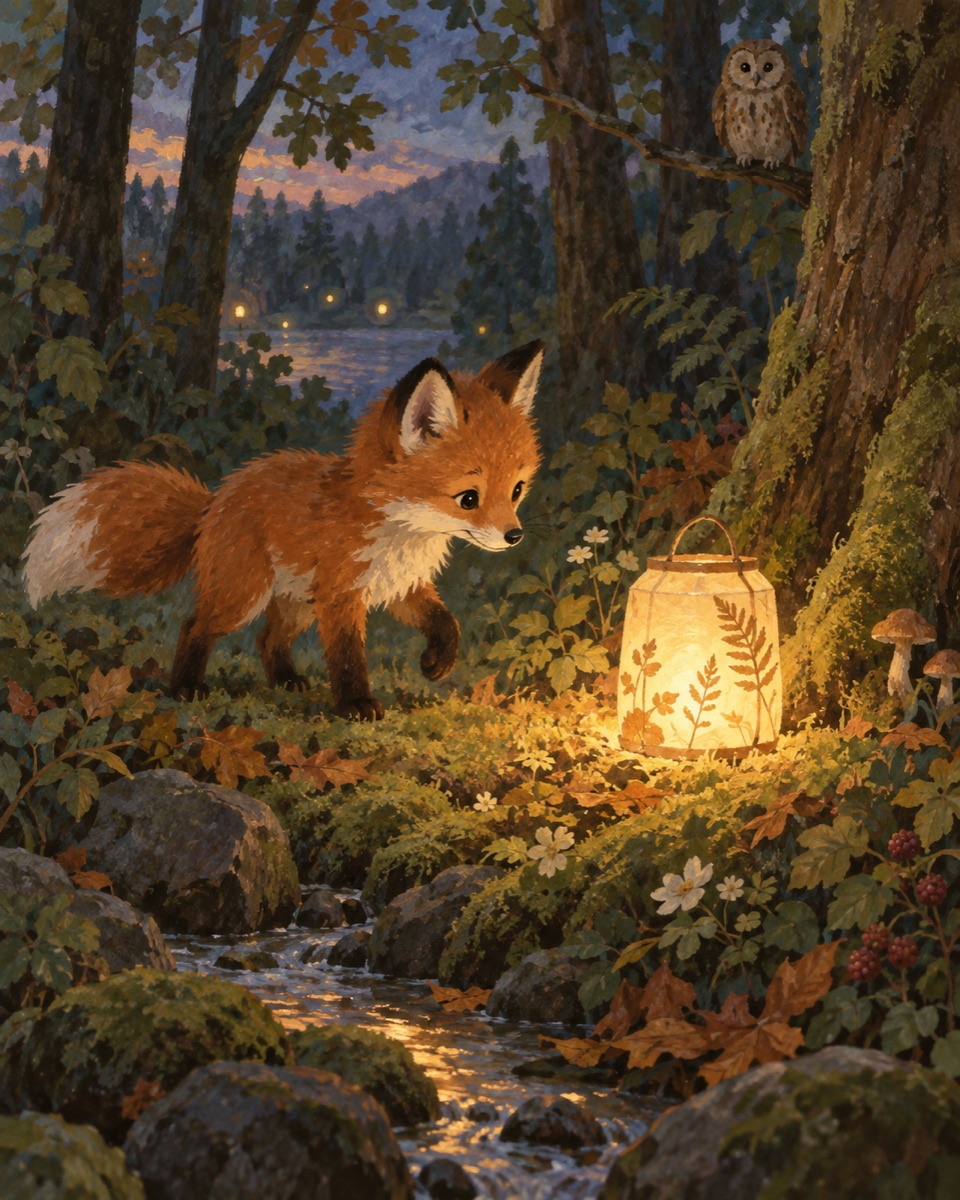
Storybook Gouache
Midjourney
Aged-Paper Watercolor Laughing Portrait
Universal
Photoreal Watercolor Triptych
Universal
English Romantic Watercolor Landscape
Universal
OC Watercolor Conversion
Universal
Tranquil Mountain-Lake Watercolor
Universal
Minimalist Coastal Wetlands Watercolor
Universal
English Watercolor Rose Still Life
Universal
Hudson River School Rose Still Life
UniversalHOW TO USE
Paper, pigment and edge behavior describe the medium. If using a portrait reference, identity preservation is a separate instruction, not a guaranteed result.
Read the watercolor workflowDecide whether you are creating a new image or editing a reference photo.
Choose paper texture, a small palette and transparent or opaque paint behavior.
Describe framing and the edges that should stay sharp or dissolve into the paper.
Review facial likeness when applicable, then adjust paint strength or edge detail one at a time.